
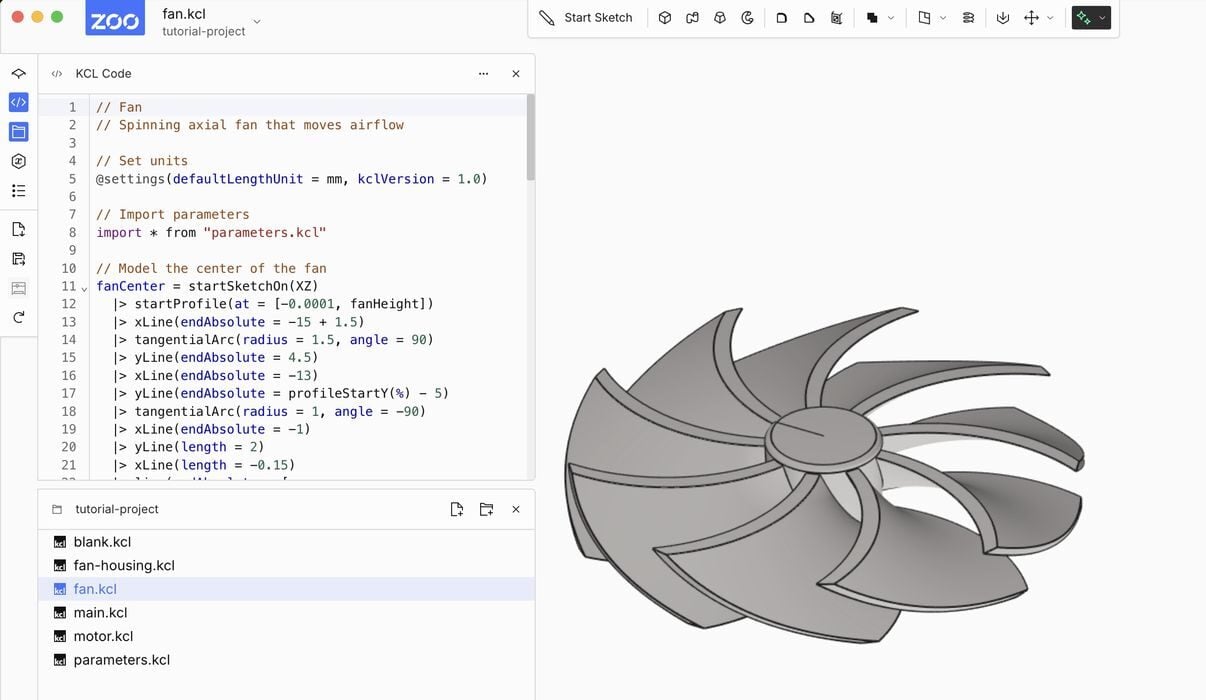
There’s a new free AI-powered 3D CAD tool called “Zoo Design Studio”.
Zoo Design is a California operation that has produced a new tool that provides simple parametric 3D CAD design features, such as 2D sketching, extrusion, revolving, fillets, etc. However, the main feature of the tool is that it also allows you to generate CAD elements using AI.
It’s quite ingenious, so I gave the tool a quick test today.
Zoo Design Studio is provided in both web and a locally executable file that you can download. They have versions for Mac OS, Windows, and Linux, and the downloadable version is said to have more features than the web version.
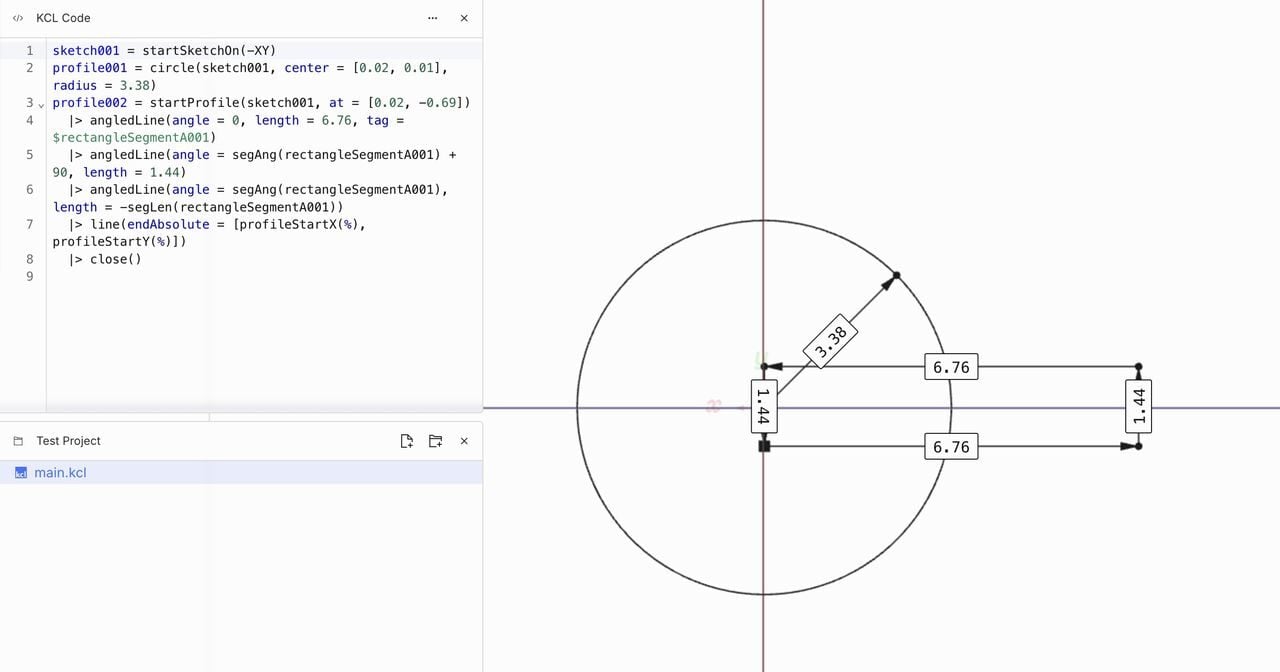
I found the navigation and basic operations a bit weird at first, since the interface follows a different paradigm than I’m used to, but it seems to work once you get the hang of it.
You can create projects that contain multiple files. This is in fact how assemblies are produced, with each element being a file.
In each file, you’ll find a strange language, one they call “KCL”, which is an abbreviation for “KittyCAD Language”. This language is used to describe the CAD steps required to generate a given 3D model. It’s a bit like OpenSCAD code, but as a feature tree.
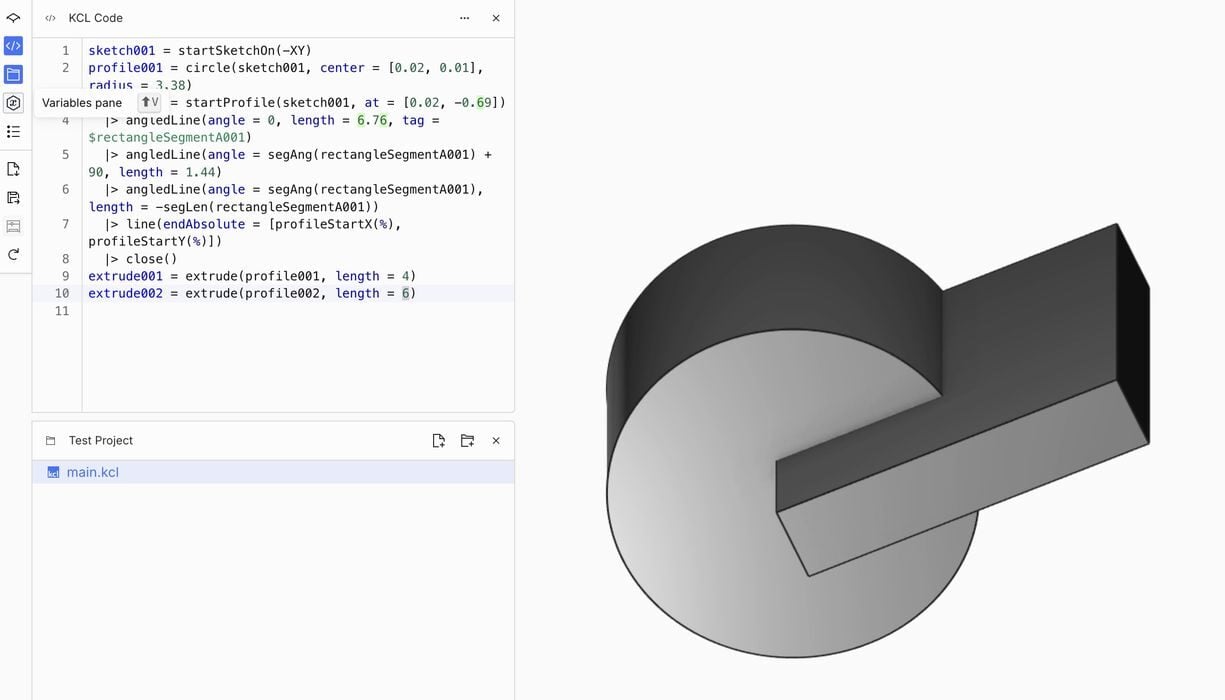
As you work on a 3D model, you’ll see the KCL code change. The code is obviously parametric, so you can go into the code directly and tweak any dimension you want, for example. KCL is always editable.
You can sketch, model, and export a 3D model in several formats, some of which can be directly 3D printed, like STL. It seems to be similar in effort to use as many other parametric CAD systems.
The most interesting aspect is the AI generation, which is done with the magic button on the right. This calls up a dialog box where you enter a prompt describing what you want. Be sure to include dimensions, because the generator actually uses them.
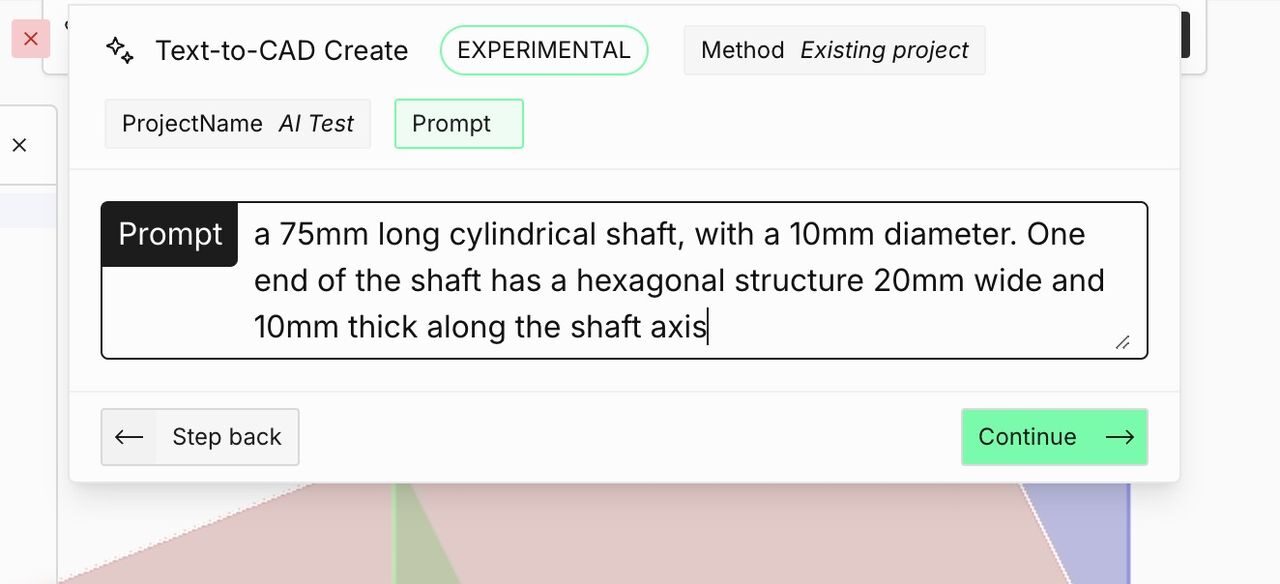
In my test, I requested a 75mm cylinder with a hex end.
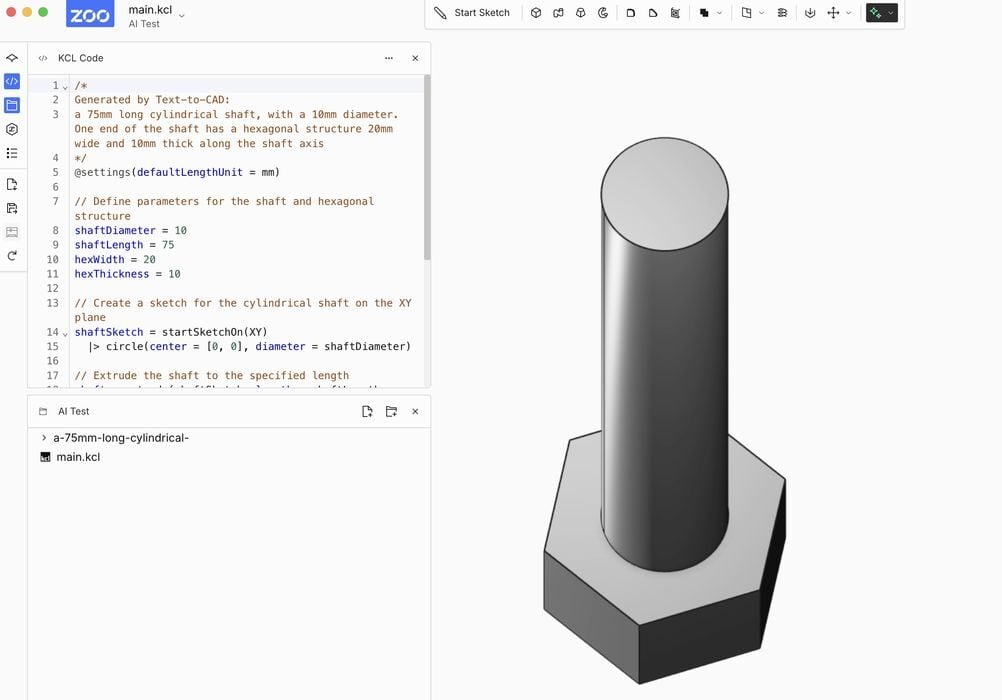
To my astonishment, it actually generated the object perfectly, and with the correct dimensions! I haven’t seen this before in other AI generative tools.
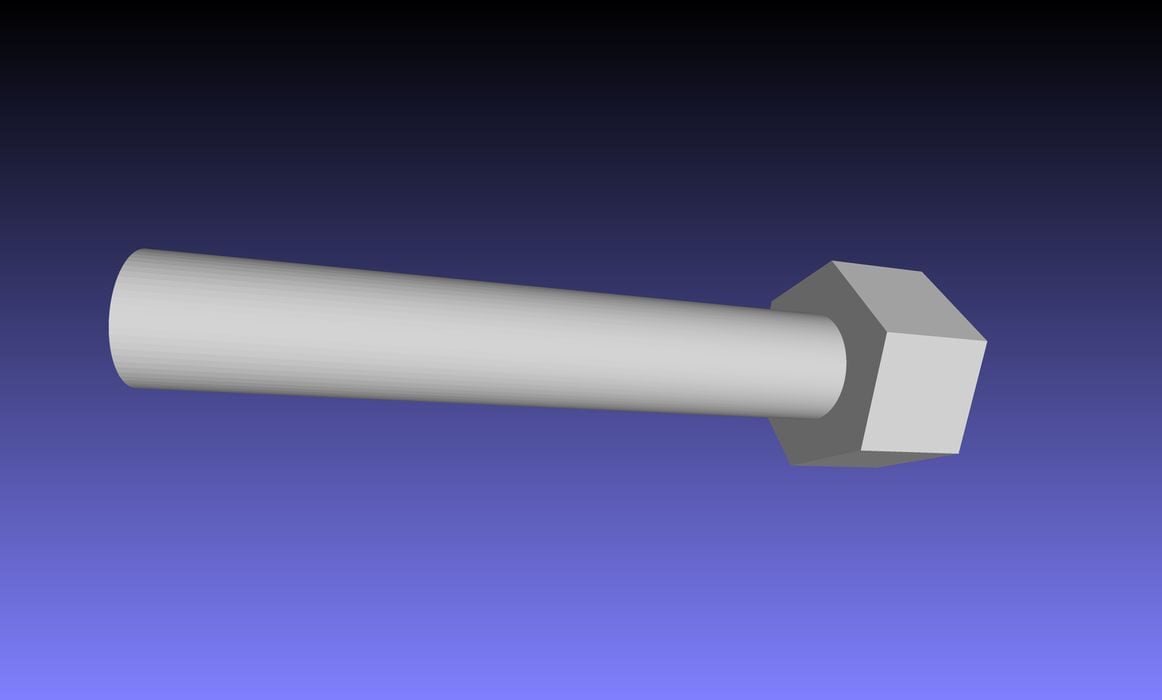
Here is a view of the STL generated, which seems perfectly accurate. While this is a simple 3D model, it’s possible to generate more complex 3D models with Zoo.
Another feature is that you can use the AI prompt to modify an existing design. For example, you might say, “make that cylinder 120mm long instead of 75!”
Behind the scenes, Zoo Design Studio is simply generating more KCL, and you’ll see it change on the KCL panel. This is somewhat similar to the process of generating OpenSCAD code with AI tools, but here it’s all wrapped up in a nice CAD package.
But you’re probably wondering about the cost of this tool, since AI processing can be expensive. The Zoo Design folks seem to have developed a pretty useful monetization system for Zoo.
It’s completely free.
Well, not exactly. You are granted 40 credits per month, which corresponds to 40 minutes of AI generation time. Most prompts take far less than a minute, so you’re looking at 60-100 generations per month. That should be more than sufficient for casual users. It’s also possible to upgrade and receive unlimited generations.

The tool seems to be in a beta state at the moment, and you’re free to download and use it. However, be aware there are bugs — I encountered several — so try not to use it for anything too serious.
Zoo Design Studio is providing a glimpse into what the future of CAD tools may look like: ask for what you want and modify the result. Like AI text processing, this approach could very substantially speed up the design process.
Via Zoo
