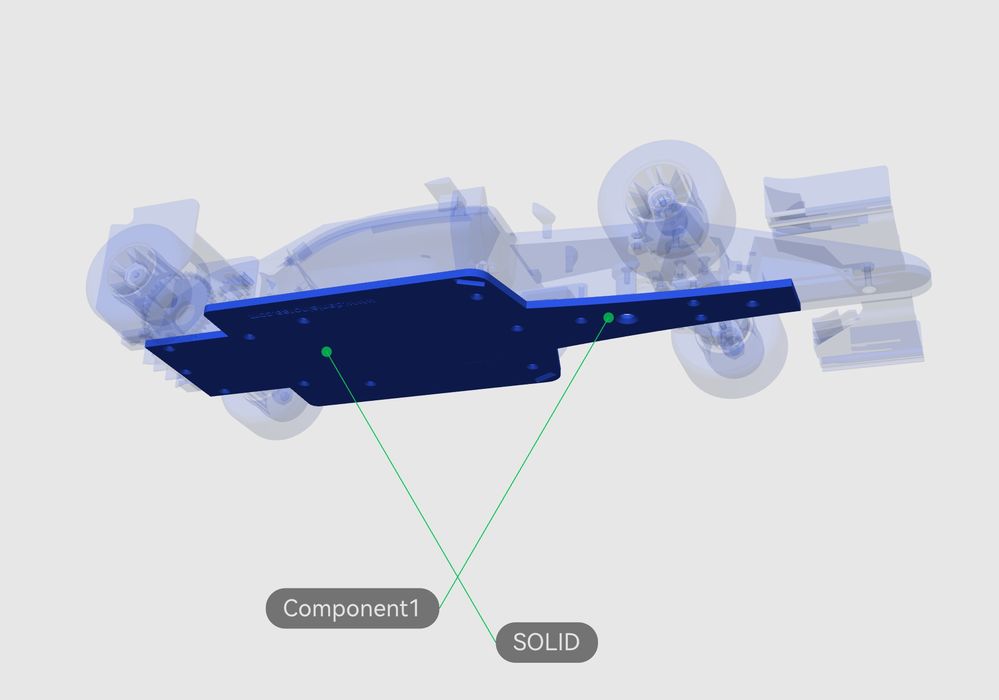
Bambu Lab has added a fascinating new feature to Bambu Studio: semi-automated Assembly Guide generation.
The problem being solved here is the documentation required to explain how to assemble a multi-part project. There are an increasing number of projects on the loose in MakerWorld and other 3D printable model repositories that involve parts. Parts that must be assembled to complete the project.
Normally, the designer would slap together some basic instructions on how to put things together. Sometimes it’s just a few paragraphs of text in the entry’s description field, sometimes it’s an elaborate PDF attachment. As you might guess, the quality is always hit and miss, a balance between the complexity of the assembly and the persistence of the designer.
Bambu Lab’s new Assembly Guide feature attempts to solve this by automating much of this work. It’s available in the latest version of Bambu Studio (2.8+).
Here’s how it works: they accept as input a STEP/STP file — note this is NOT an STL file. This is a CAD file as input.
The CAD file will naturally contain a set of parts for the assembly. These are presented to the designer as an inventory of parts for the assembly guide. The feature then automatically creates an ordered list of assembly “steps”, selecting parts associated with each step.
The feature allows the designer to input notes, labels, and other stuff for each step to help explain what’s happening at that stage. Steps can be edited, re-ordered, or modified as required. For example, you could create a text box with an arrow pointing at an important part.
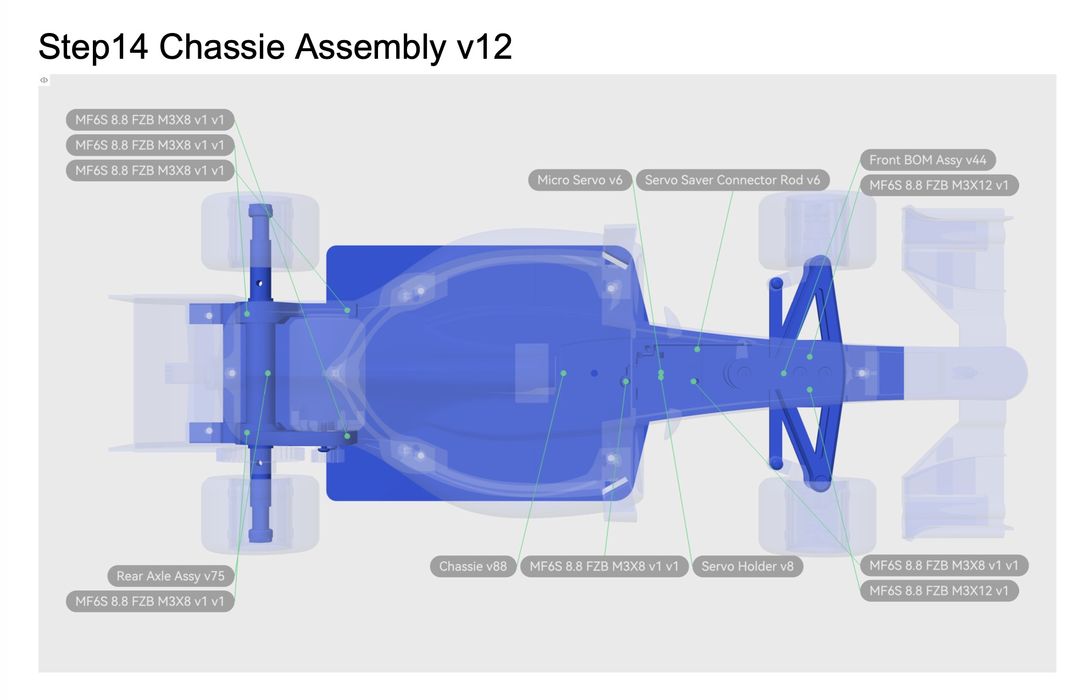
Once the designer has completed all the steps, Bambu Studio can then export a full PDF of the instructions, a Markdown file (if you’re pasting into a description), or even an MP4 video showing the steps in order.
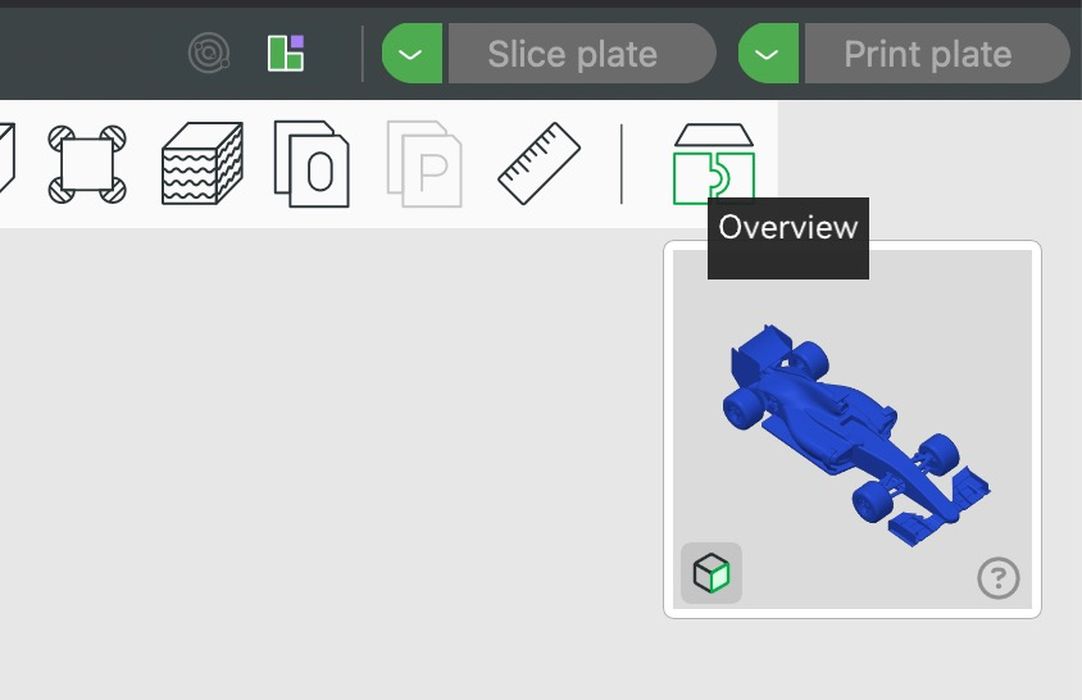
Also, it is kinda hidden in the interface. The instructions on the Bambu Lab wiki dive right in, and the icon for Assembly Guide is not immediately visible. The trick here is to click on the Overview feature after you’ve loaded the STEP file. Then it immediately generates the steps as described, and you can edit your instructions.
There are automated tools for building assembly instructions in much more expensive CAD tools, but most Bambu Lab participants won’t have them. Here, Bambu Lab is providing this functionality for free with every Bambu Studio installation.
This is quite a fascinating development by Bambu Lab. Bambu Studio was originally intended as a tool to prepare print jobs, which it does quite well. However, building instructions from a STEP file has nothing at all to do with print jobs. In fact, there are relatively few STEP files available in most printable 3D model sites, including MakerWorld.
Instead, this is an ecosystem play: by making it easier for designers to prepare instructions for their increasingly complex assemblies, they should generate more 3D print activity overall.
Designers could always have made great instructions on their own, but this tool just makes it a lot easier.
Like I always say, if you want something to happen, remove the friction.
Via Bambu Lab Wiki