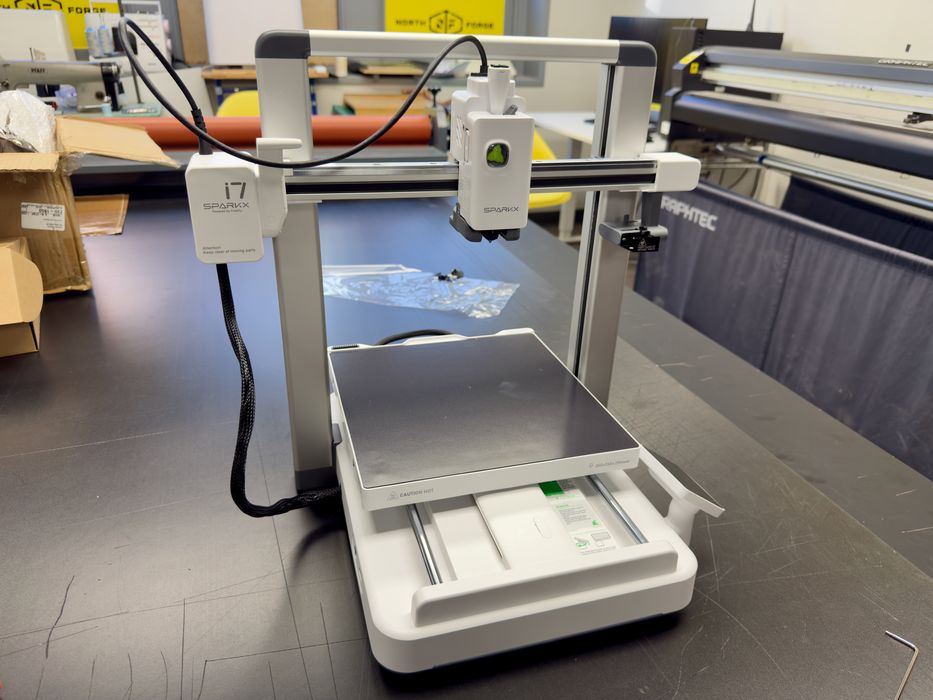
We’ve been testing the Creality SPARKX i7 desktop 3D printer, and it’s quite a machine.
This is part one of a three-part series; please read parts two and three.
SPARKX i7 3D Printer Background
Founded in 2014, Creality is one of the world’s leading manufacturers of desktop 3D printers, providing an integrated software and materials ecosystem for makers. Beyond 3D printers and materials, they also provide 3D scanners, laser engravers, slicing software, and a cloud platform.
Millions of operators use their equipment around the world. It turns out that more than 6 million Creality 3D printers have already been shipped to over 140 countries.
That’s a lot of 3D printers.
The Creality SPARKX i7 is targeted to 3D print beginners, including families and hobbyists. It is designed to be easy to both set up and use, and that’s what we’re going to find out in this review.
SPARKX i7 3D Printer Specifications and Features
The i7 is a desktop, open-gantry system that would look quite familiar to anyone who’s seen a desktop 3D printer before. But when you look a bit closer, you’ll see that the design is quite a bit more refined than the machines of years ago.
The build volume is 260 x 260 x 255 mm, a typical size for a desktop unit these days, and should be able to handle most prints. It is too small to print a helmet in one piece, however.
The i7 is a single-extruder, 1.75mm filament device that can print in four colors. That’s due to the special “CFS nano” option that attaches to the top of the i7.
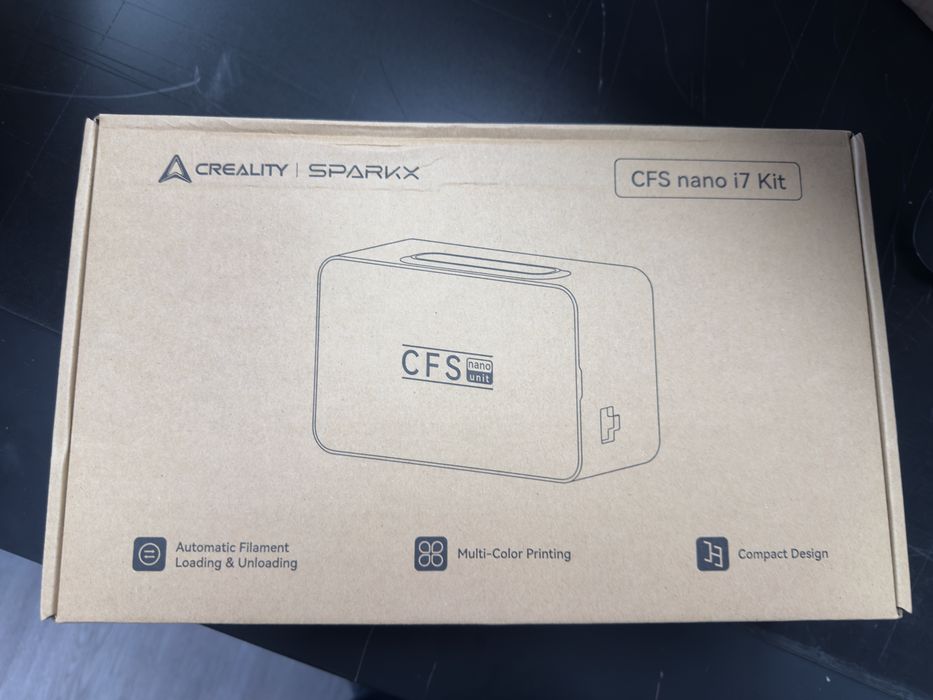
Normally, Creality sells the standard CFS unit, which is a separate device that holds four spools that can be swapped in and out during a print job. Here, the i7 instead uses the CFS nano to push and pull filaments from spools that are bolted to the sides of the frame.
Creality claims 50% less waste on multicolor prints. This is quite important, because waste is a big problem with filament-swapping 3D printers. The problem arises when changing colors: the previous color has to be purged from the single nozzle, and that creates waste. For a complex multicolor print, you could waste 2-10X as much filament as the model itself.
So how does Creality reduce waste? It’s pretty ingenious. Normally, filament swappers cut the filament when switching, and that leaves a length of filament in the hot end, perhaps several cm in length. Here, the i7 has a really short cut length, meaning there is far, far less material to purge. Less waste!
Other features in the i7 include: auto filament switching, tangling detection, RFID filament recognition, filament runout/empty filament detection, power loss recovery, and an enclosed moisture-proof bin (although my test unit did not include this bin for some unexplainable reason).
Materials that are compatible with the i7 are: PLA/PLA-Silk/PETG/TPU/PLA-CF. I only tested printing with PLA because that is all that was supplied to us for testing. Note that if you want to print engineering materials, like ABS, ASA, PA, etc., you’re better off with a different machine.
The onboard camera is 720p and provides very good image quality. This camera is also used for AI-powered spaghetti detection, so the machine can automatically pause if it thinks something is going sideways.
This is part one of a three-part series; please read parts two and three.
Via Creality