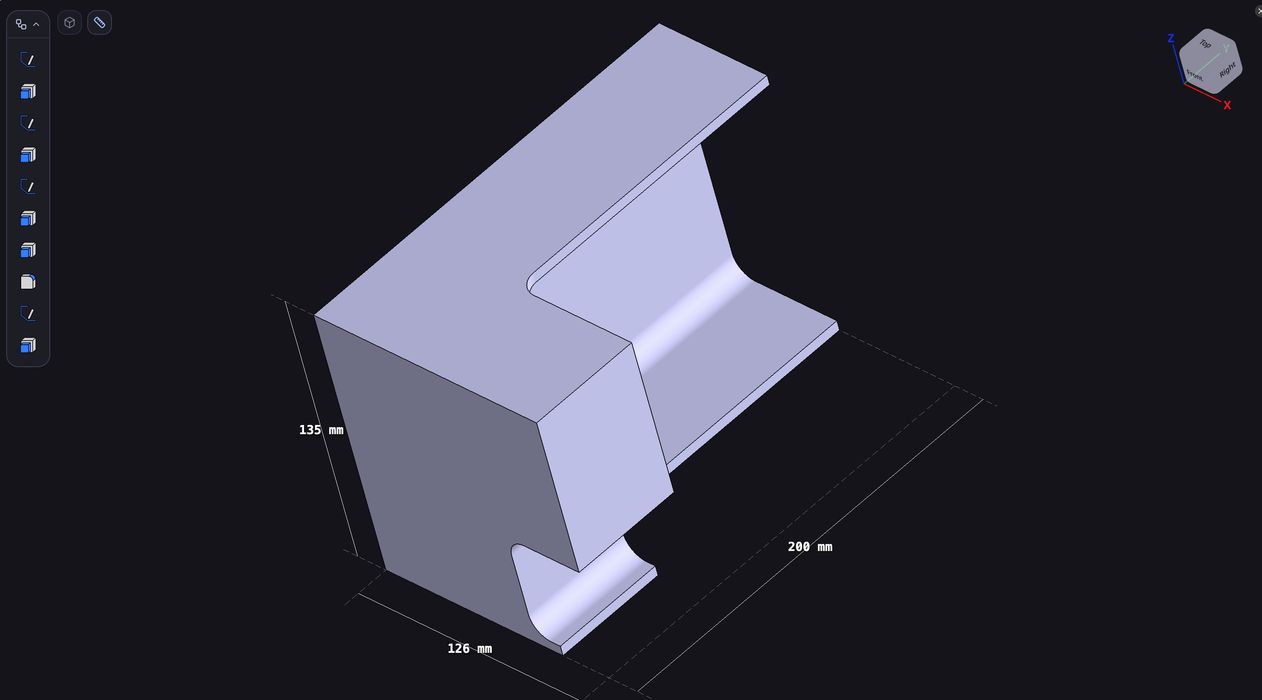
Backflip announced a new capability: reverse engineering.
You may be familiar with the company, or perhaps not because it’s so new. It was conceived by Greg Mark, whose previous startup was one I’m sure you know: Markforged, now part of Stratasys. Mark moved on when he saw more opportunities after working at Markforged with manufacturers.
Backflip is a new AI-powered service that can generate CAD models from text prompts, but now there’s a new capability.
You may recall how some 3D model generators (which produce meshes, not CAD files) operate: issue a text prompt and an image, and you get a 3D model of the item in the image. Here it’s similar but for parts: send in a prompt and a mesh (STL, 3MF, etc.) and Backflip will produce a CAD model.
That’s essentially reverse engineering.
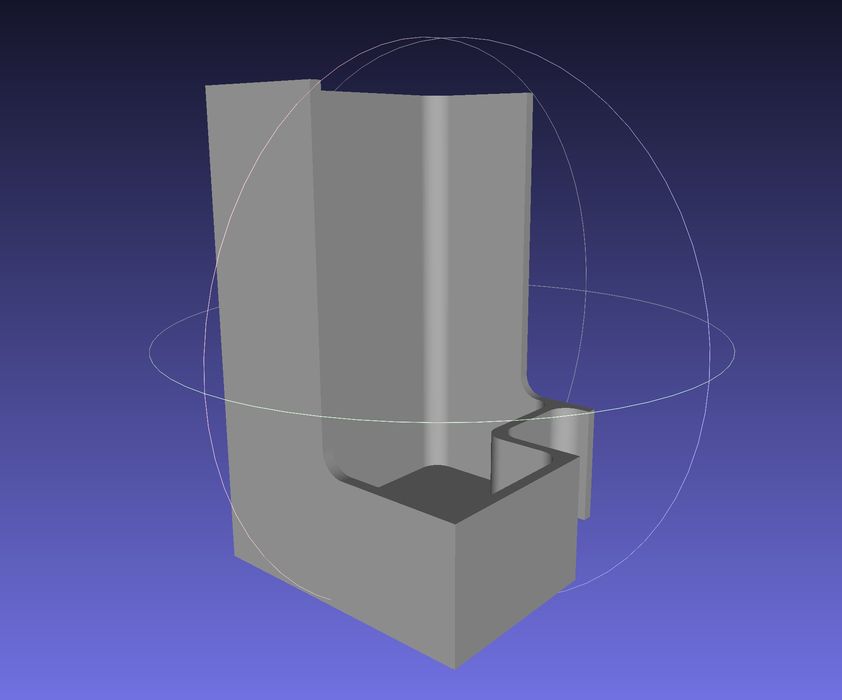
I tried out the service by dropping in one of my STL files, a Poop Bucket I had recently designed for use with a Bambu Lab A2L 3D printer. The design features straight walls, curves, fillets, and flat surfaces, ideal for reverse engineering.
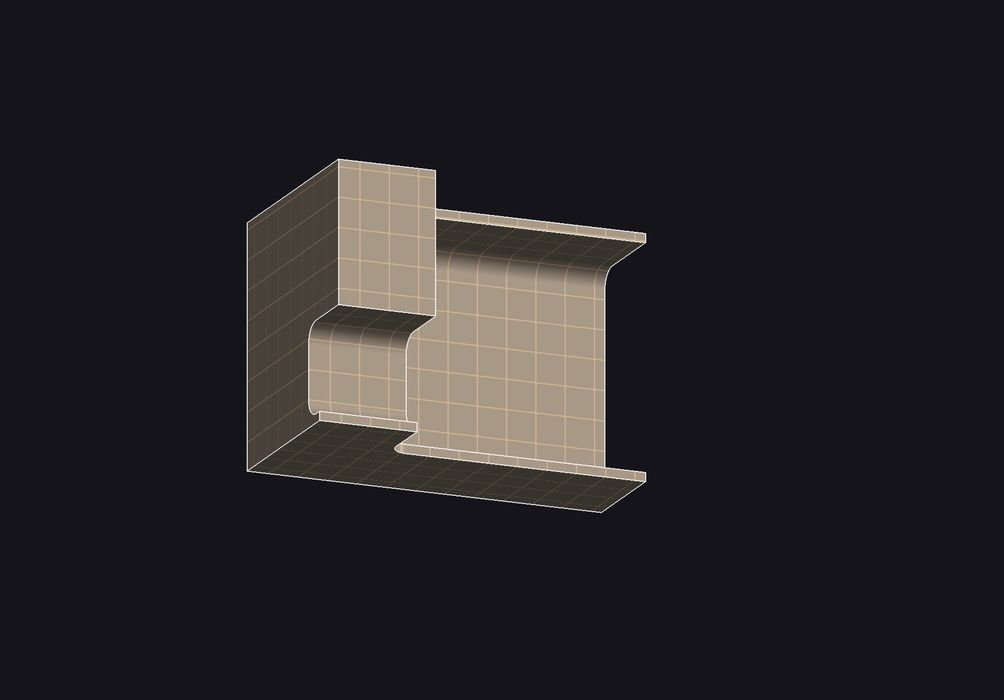
To start the process, you simply drag and drop the mesh file and hit “generate CAD”. Then Backflip begins processing, which can take quite a while. During the interim, you’re shown a fun animation of your part slowly spinning in 3D, along with the current status, like “smoothing surfaces”, or “rerouting paths”, etc.
Finally, the job finishes and displays the result, as you can see here.
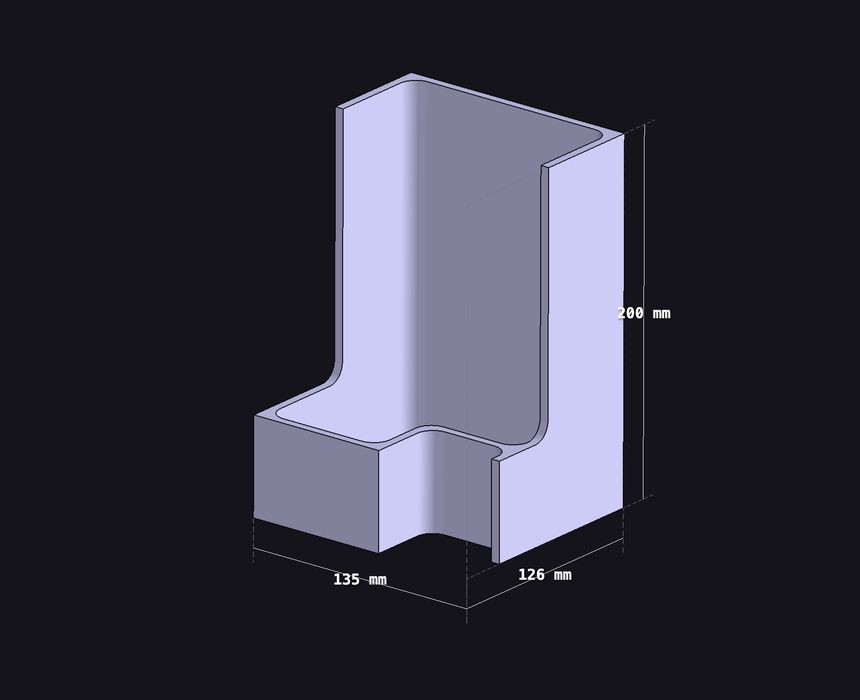
I must say that this is absolutely accurate. I am truly impressed that the mesh can be made into a CAD file. But does it load into a CAD tool?
I downloaded the STEP file created and fired up Fusion to see if this would work. The file was named “CAD – poop.step”, also fun.
And it worked. The STEP file was successfully loaded into Fusion, and I can access all the reasonable components of the design!
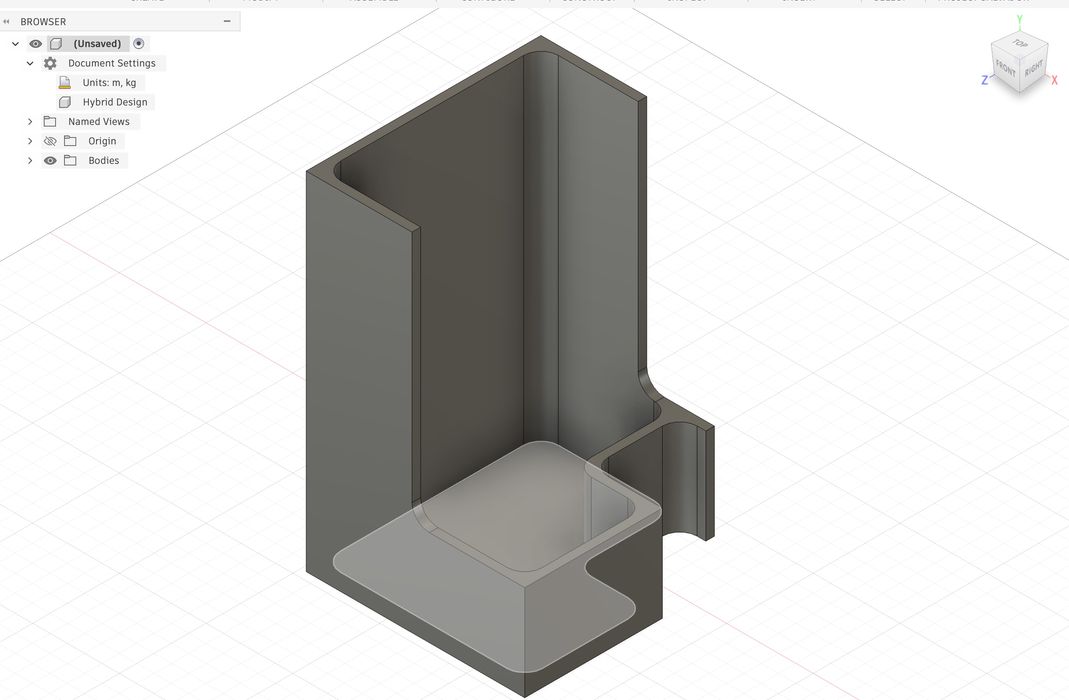
The next attempt was more complex. If Backflip does well with precisely designed STL files, how would it do with rough 3D scans? This is where reverse engineering would be of most benefit.
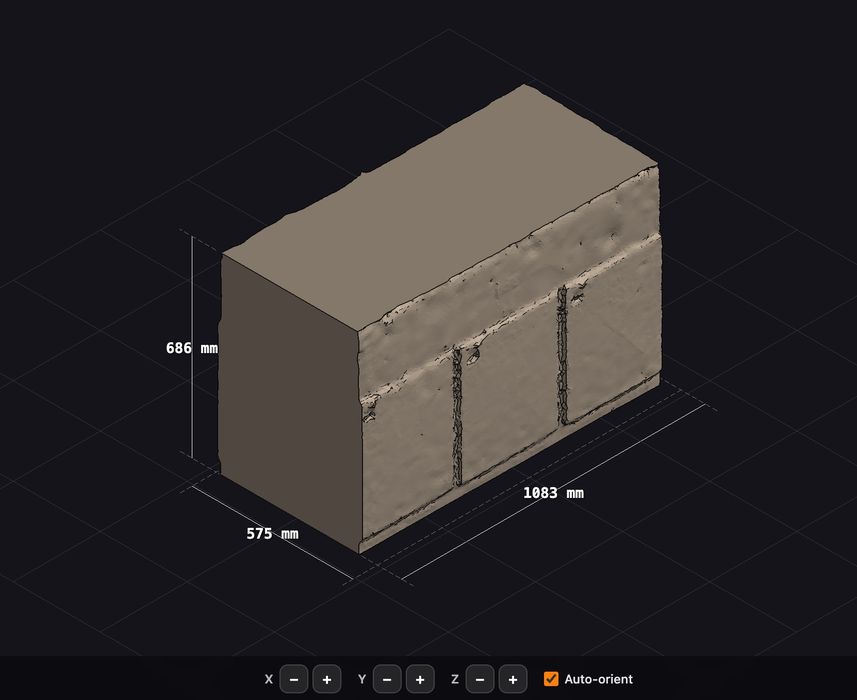
I found an old photogrammetry scan of a large electrical box. It’s basically a box with some raised panels on the side, as you can see here. After cleaning up the scan a bit and exporting it as an STL, I loaded it into Backflip.
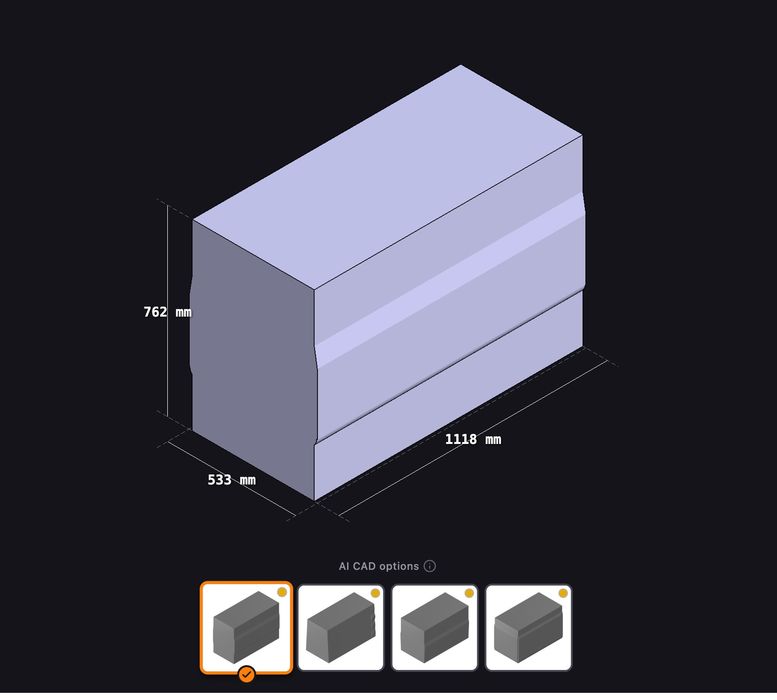
Processing was much faster — it is a box, after all — I was presented with several options to proceed. Apparently, Backflip was unsure of the result, and I was to judge which option was best.
Unfortunately, none of the options correctly found the poorly scanned panels, which barely register in height. It did find “something” there, hence the weird protrusions, but it missed the separations between the panels. I suspect that Backflip would work much better with a proper scan made by more professional equipment. But that’s for another day.
In the meantime, I suggest you give Backflip a try with your 3D scans and mesh files — it really does work.
Via Backflip