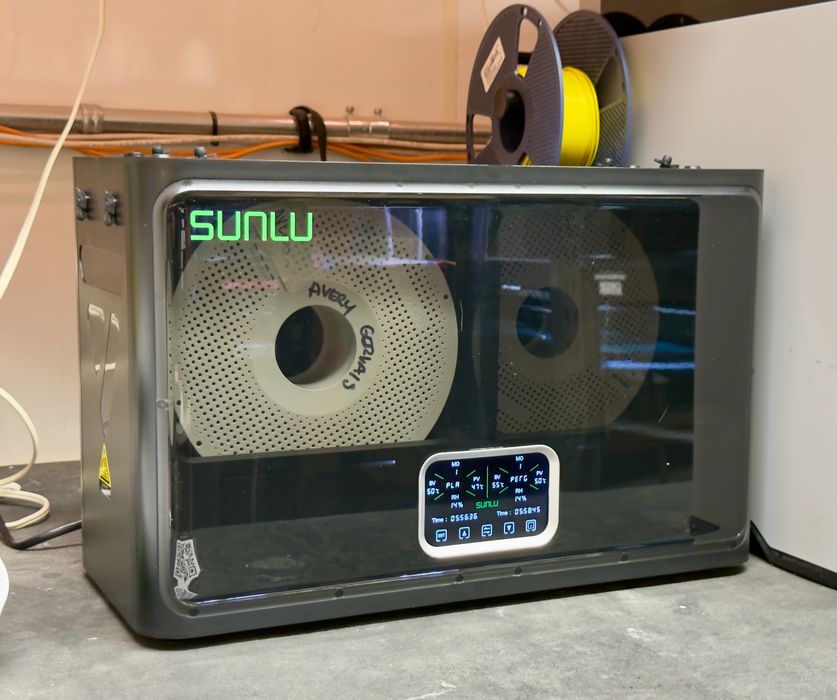
We’ve been testing the FilaDryer S4 Pro from SUNLU.
Drying filaments has become much more important these days. With precision desktop units being produced in the millions, operators want the best quality print results. This is obtainable only if the filament is properly dried, which removes any moisture from inside the filament. If present, that moisture boils when extruded, causing a variety of quality issues.
There are plenty of filament dryers on the market, so what makes the FilaDryer S4 Pro different? It turns out there are several interesting features.
Dryers are not complex systems, but it is possible to squeeze in features that 3D printer operators would appreciate in a relatively small box.
The FilaDryer S4 Pro can hold up to four standard 1kg spools at once. That’s the same as a Bambu Lab AMS 2 Pro, in about the same amount of space.
The big feature is that the FilaDryer S4 Pro has two chambers. This allows for two different drying profiles to be underway at the same time.
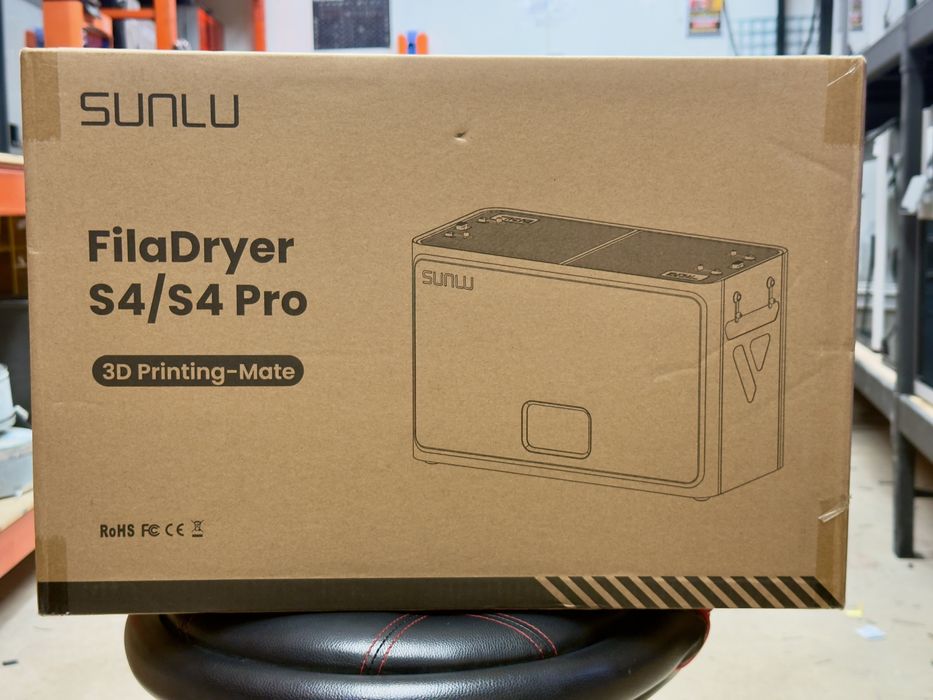
As I mentioned, filament dryers are not complex machines and they are usually extremely straightforward to set up. That was certainly the case with the S4 Pro.
The device occupies about the entire space of the shipping box, with all the goodies inside. But how do you get inside?
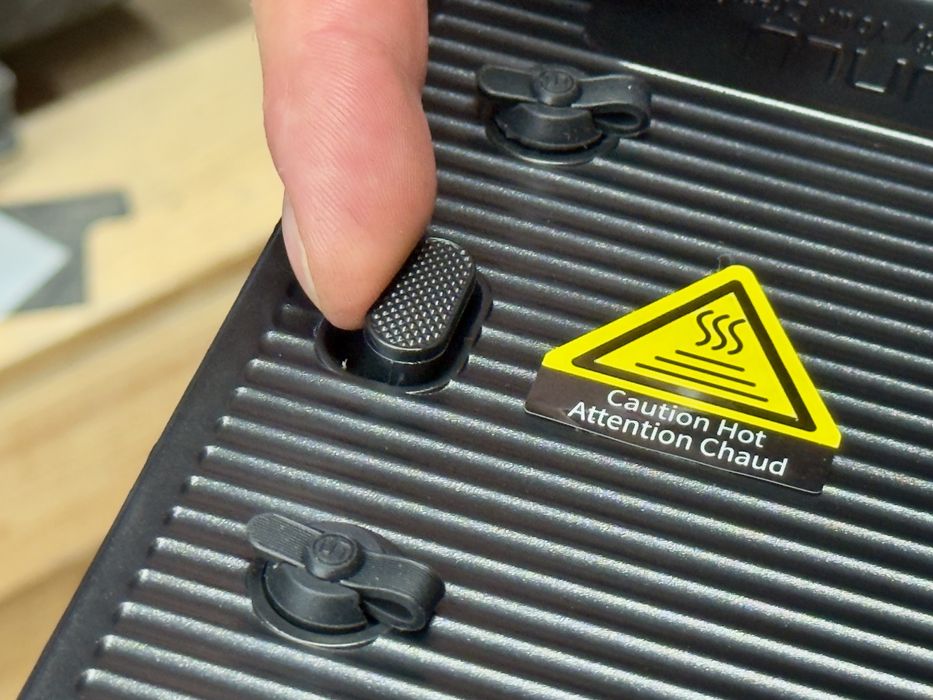
The FilaDryer S4 Pro has two doors on the top of the device, which open outwards to each side. There is a release lever near each side that must be pressed to release the door. This seems obvious now, but it took a moment to figure this out when we opened up the machine.
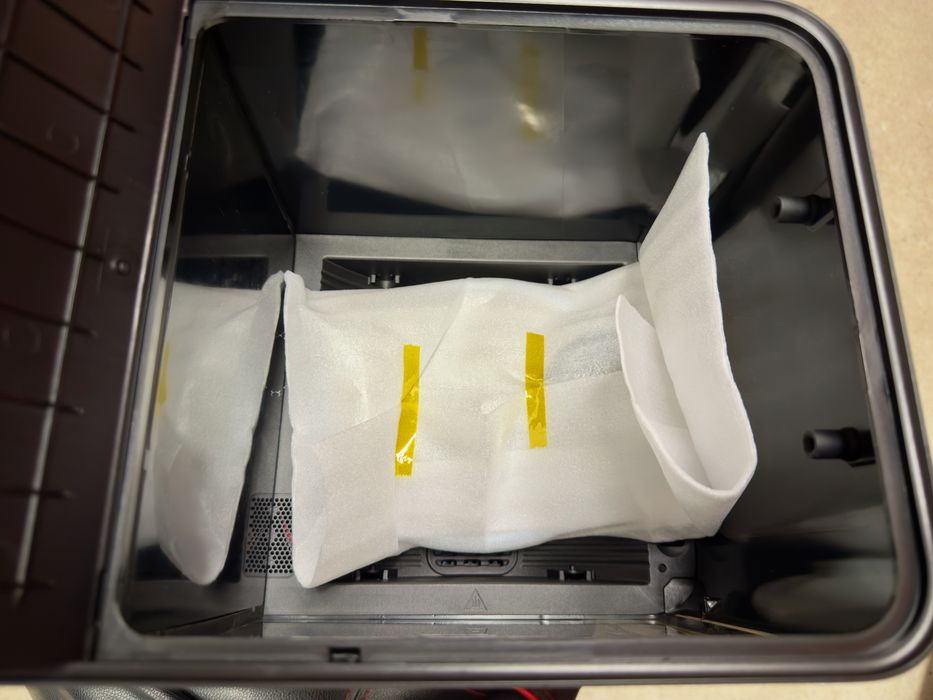
Inside there wasn’t much at all. Just a small bag of items.
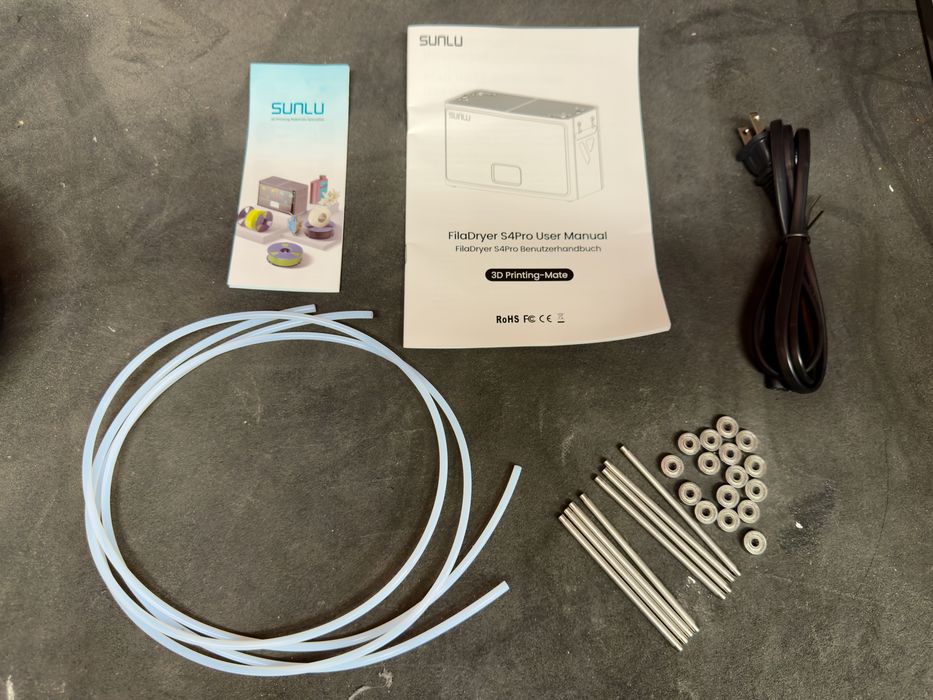
These are the parts that accompany the S4 Pro: power cable, bearings, rods, instructions and two rather long PTFE tubes. And a promotional flyer, of course.
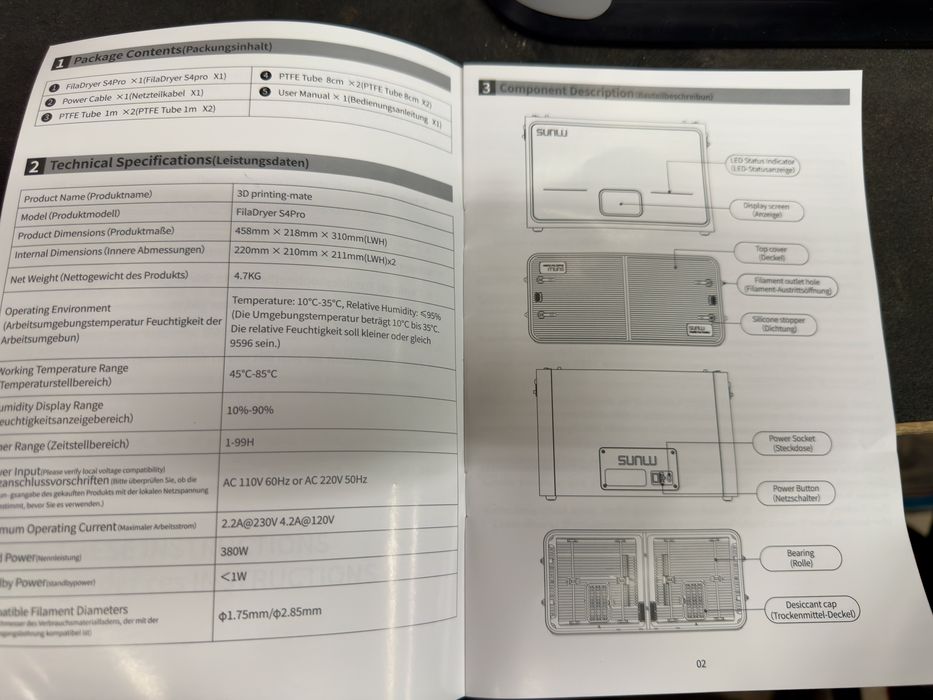
There are some instructions that come with the machine, but they weren’t particularly useful to us, at least during assembly, as you will see.
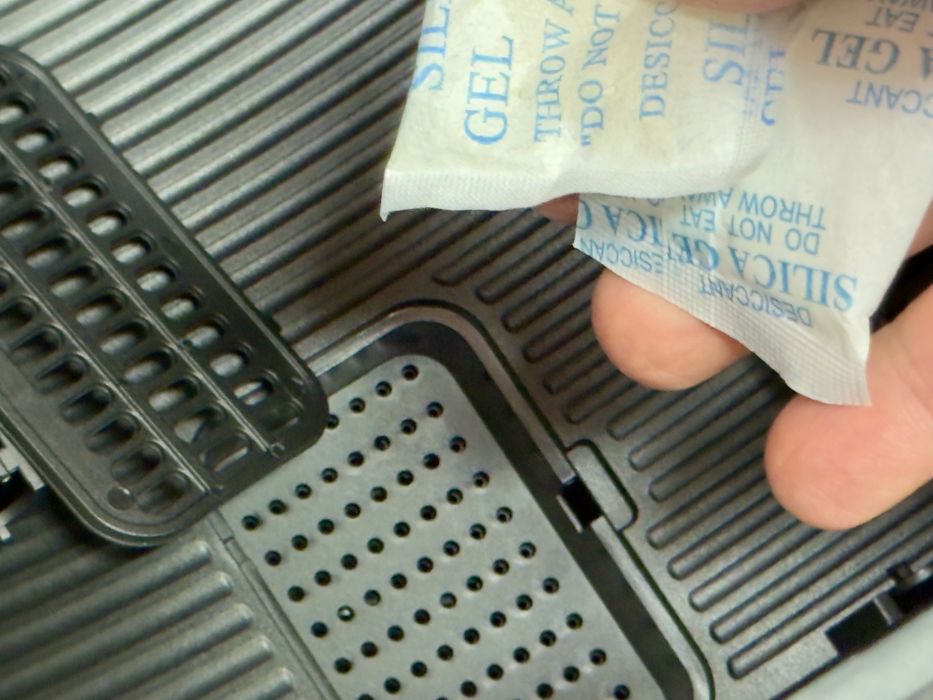
At the bottom of each of the S4 Pro’s chambers there is a small compartment, presumably to place a desiccant. This helps absorb moisture, particularly when filaments are stored in the unit.
Unfortunately, no desiccant was shipped with the device, as you would expect. On the other hand, we realized we have tons of small desiccant bags lying around from filament boxes. We simply grabbed a couple and threw them into the compartments.
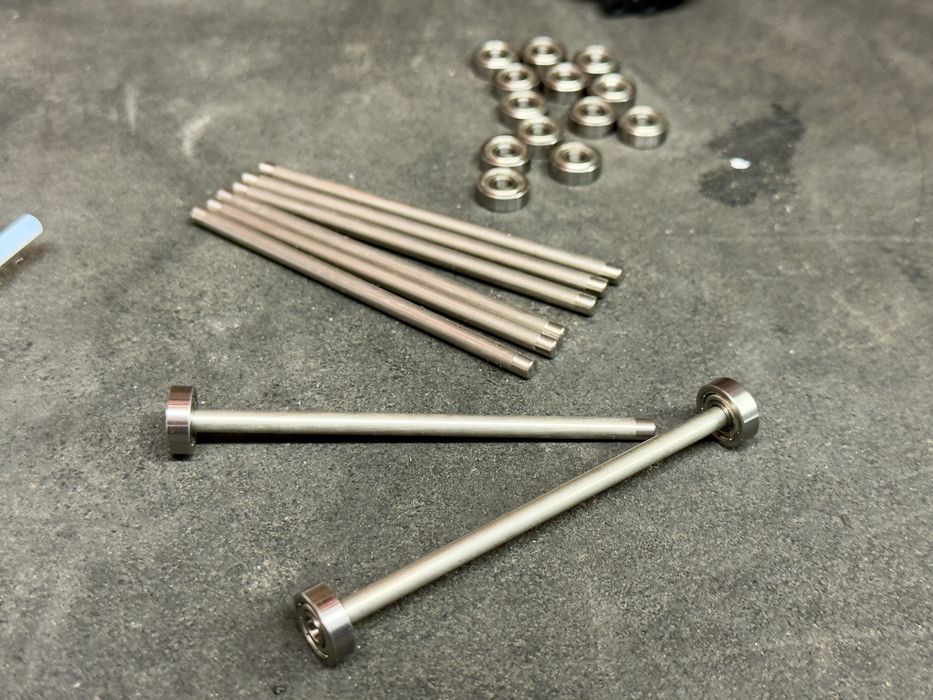
The spools rest on some rollers, but they must be assembled. Unfortunately there are no instructions for doing so listed in the documentation. But it’s pretty easy to do.
Note that the ends of the rods are slightly smaller to accommodate the bearings, and this means the bearings are not fixed — they can fall off easily. So don’t put one end on and turn it over to work on the other end because it will fall off.
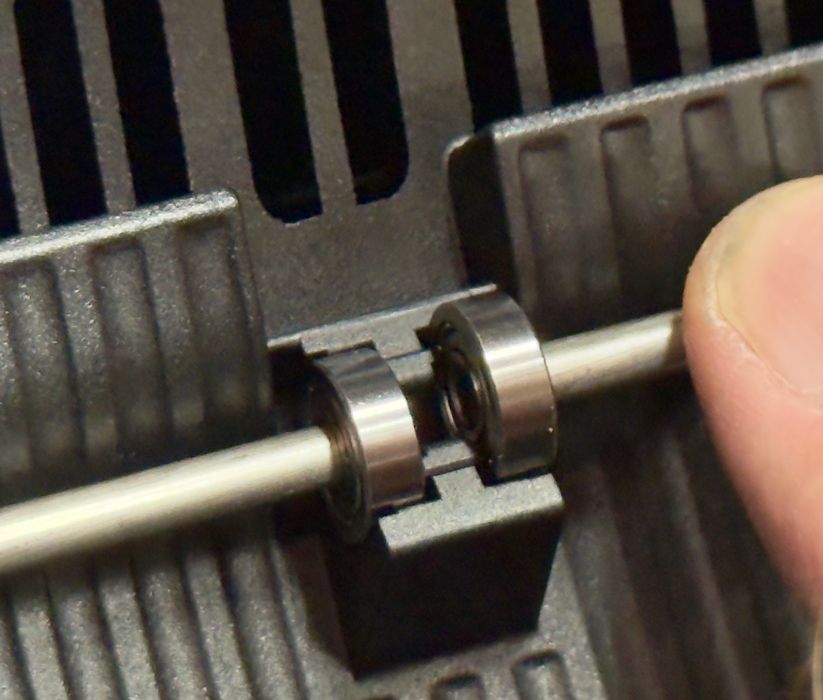
The assembled rollers are then snapped into place by pressing them down into the appropriate slots at the bottom of each chamber.
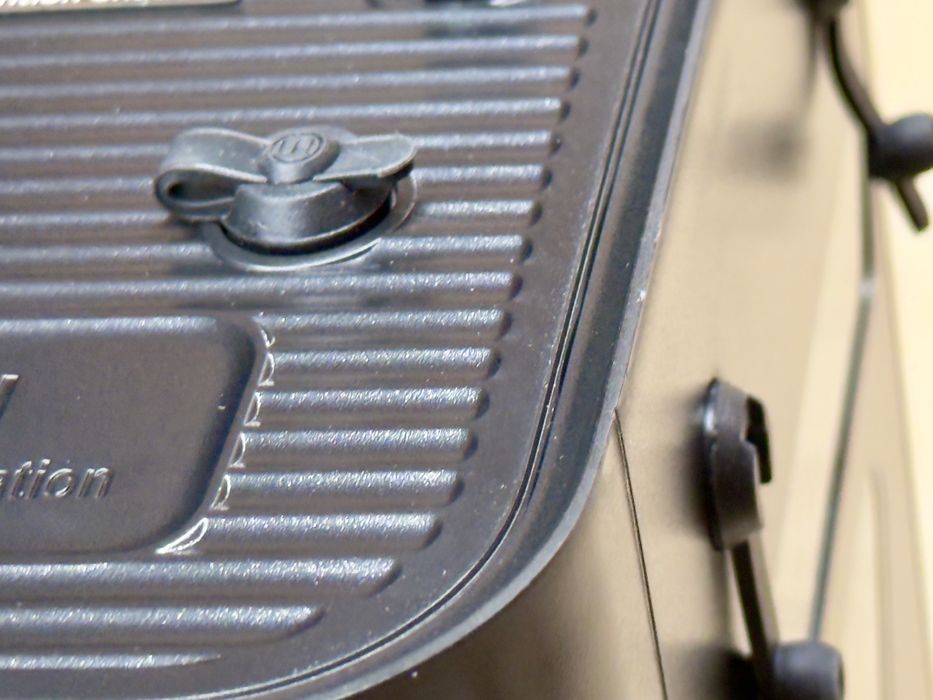
There are some curious items on the top and sides of the S4 Pro. Here you can see one of them on top, and if you look to the right you’ll see another one vertically oriented on the side.
These serve two purposes. First, they can be unplugged to allow venting of hot, humid air during drying. This is an essential step because otherwise the moisture simply stays inside the machine and will be reabsorbed by the filament when you shut down the dryer. Always open at least one vent during drying.
The other purpose is for feeding filament. It is possible to print directly from the S4 Pro using these ports. All you need to do is connect the port to the 3D printer with one of those long PTFE tubes.
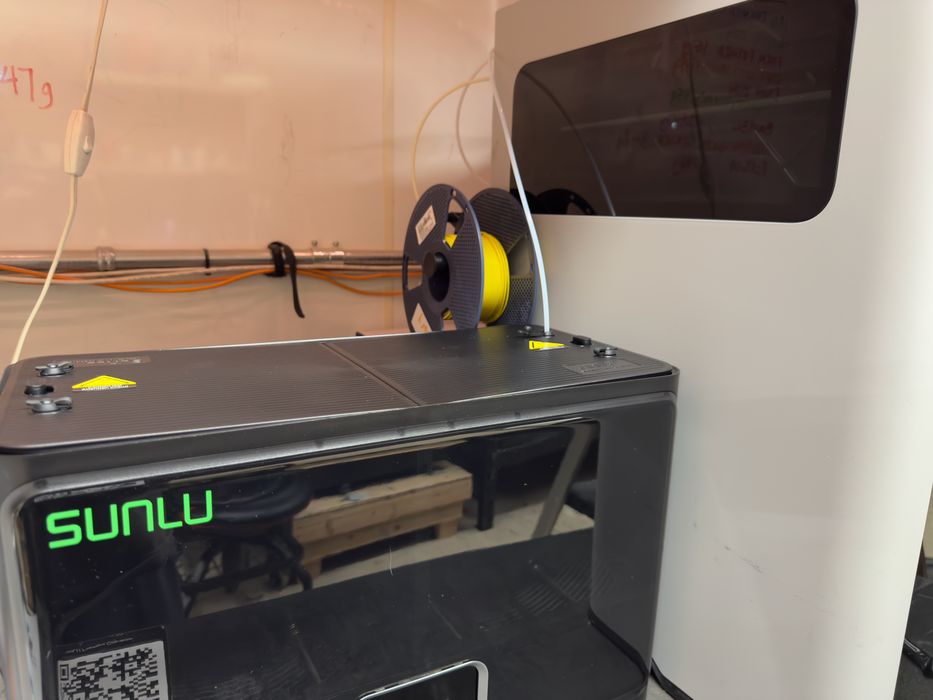
The interesting part is that you can use either port for either purpose. This is really useful because you can choose the port that aligns best with how your 3D printer is set up. In this image we used the top port to more easily reach the tall H2D 3D printer nearby. If you had the S4 Pro set up higher (perhaps stacked), then you might want to use a lower port instead.
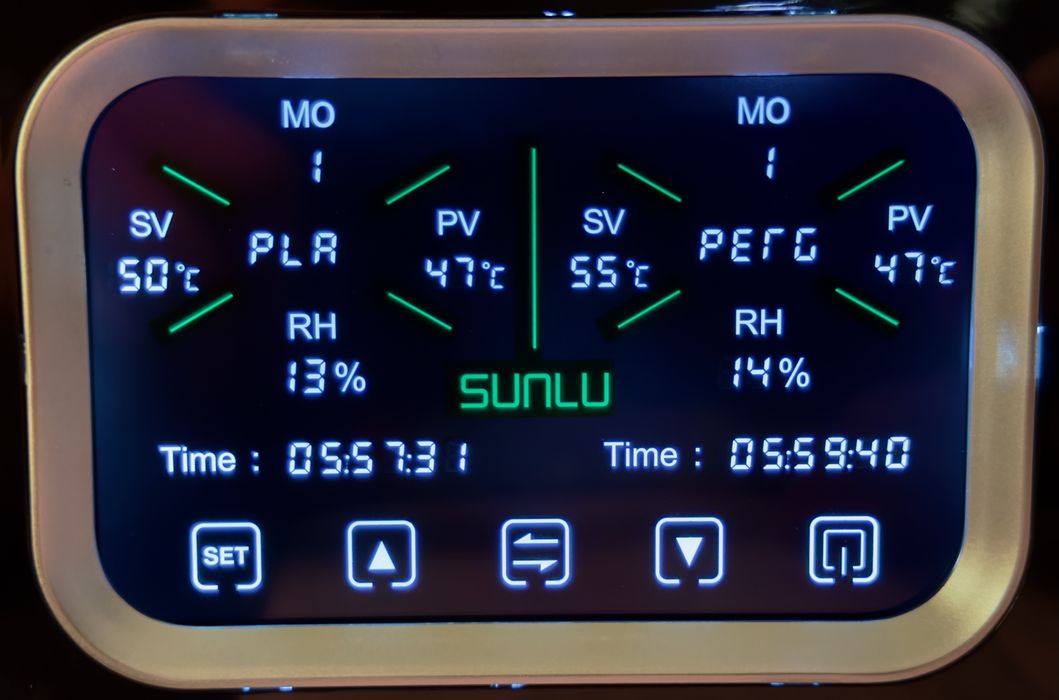
Powering up the S4 Pro, we finally saw the operating panel at the front.
This was something we puzzled over for quite a while, as it was not immediately obvious what’s going on. But let me explain what we learned:
- There are two chambers, so each side of the panel represents what’s going on with each chamber, left and right.
- Time is how much time is left in the current drying cycle
- SV is the “Set Value”, or the target temperature that chamber will reach
- PV is the “Present Value”, or the current temperature of that chamber
- RH is the Relative Humidity, you want this down to 10% or so when drying
- The diagonal green lines point at the material type, PLA and PETG in this example
- MO means “Mode”
Wait, what’s a mode? This is something that is found only in the manual. Basically it’s this:
- Mode 1: Standard drying cycle, dries until the time runs out
- Mode 2: Annealing! Heating until the time runs out
- Mode 3: Storage. Spools are stored in the unit and the humidity is continuously monitored. If it reaches an upper value, it will automatically start up and dry it out again
This is the weak point of the S4 Pro: the interface can be pretty confusing. It seems SUNLU wanted the least expensive panel possible, but it results in some confusion for the operator.
In any case, the SUNLU S4 Pro is really interesting filament dryer. It seems to have all the features required, especially the ability to dry two entirely different types of material at the same time. It is available at a pretty inexpensive price. That price as of this writing is US$140, about US$35 per spool, if you’re counting that way.
Via SUNLU