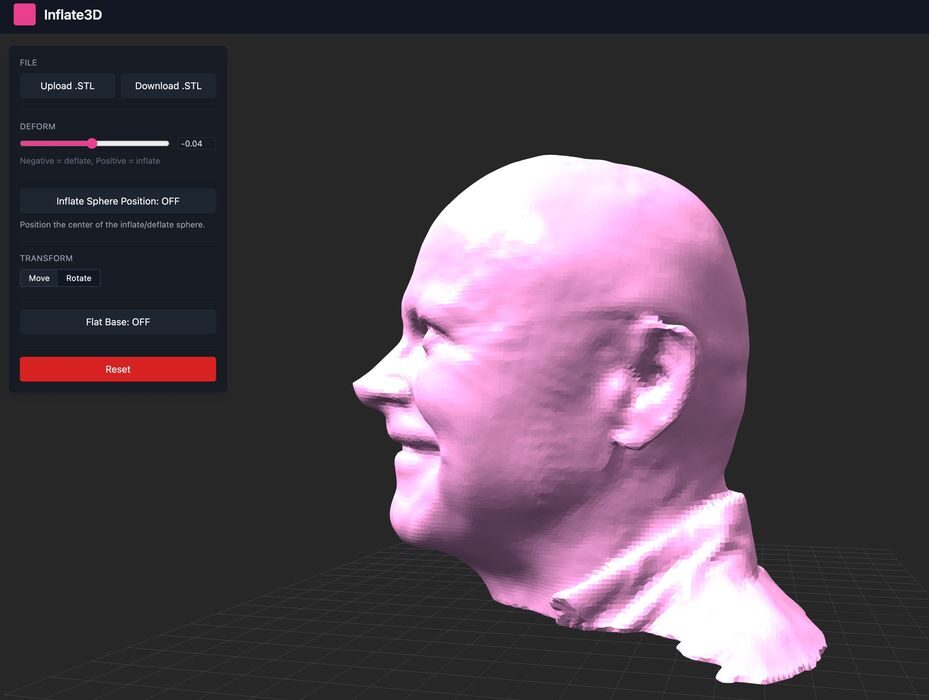
Andrew Sink has developed a curious utility called “Inflate3D”.
Sink, a Staff Applications Engineer at Carbon, posted about the new online tool on LinkedIn. He describes the system:
“It’s called Inflate3D, and you can use it to inflate/deflate a 3D model without increasing the file size!
Adjust the amount of inflation, location of the inflation origin, and even flatten the base for 3D printing!”
The web-based tool is extremely easy to use. You simply upload a 3D model (must be in STL format), and then drag the deform button around. This causes the STL to be stretched or compressed as desired.
There’s an option to select the point of inflation. This option, when ticked, lights up a sphere that can be shifted around (and inside) the 3D model.
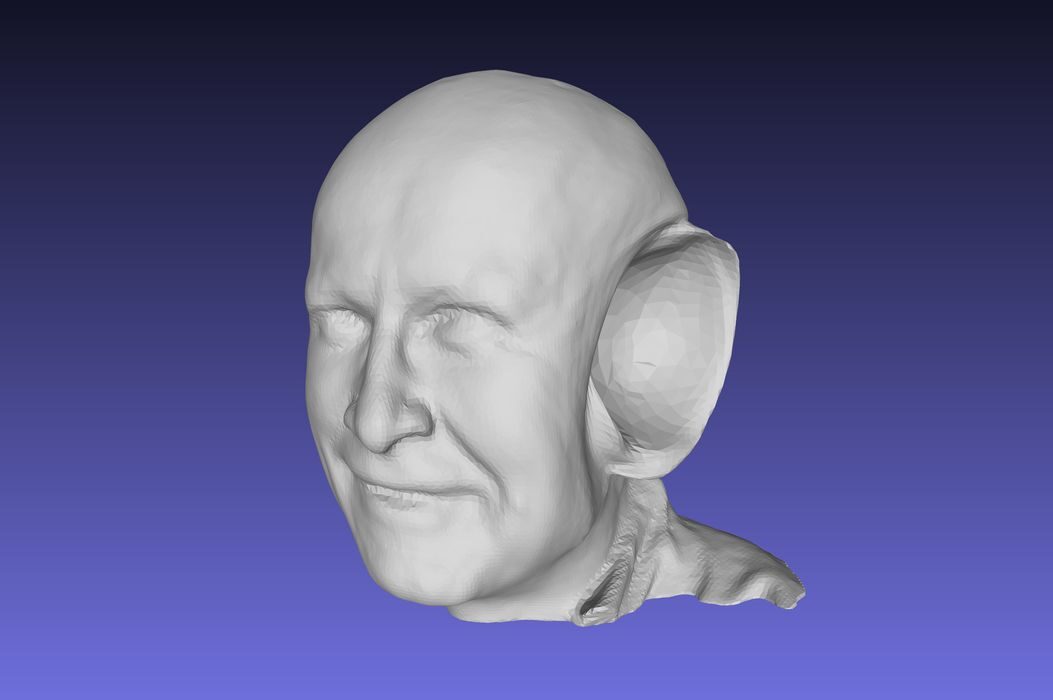
Here, for example, I placed the sphere on the subject’s ear and inflated it. Notice that a large cavity is formed because the cavity of the ear is expanded.
If you put the sphere outside the 3D model, it will push it in, as shown here.
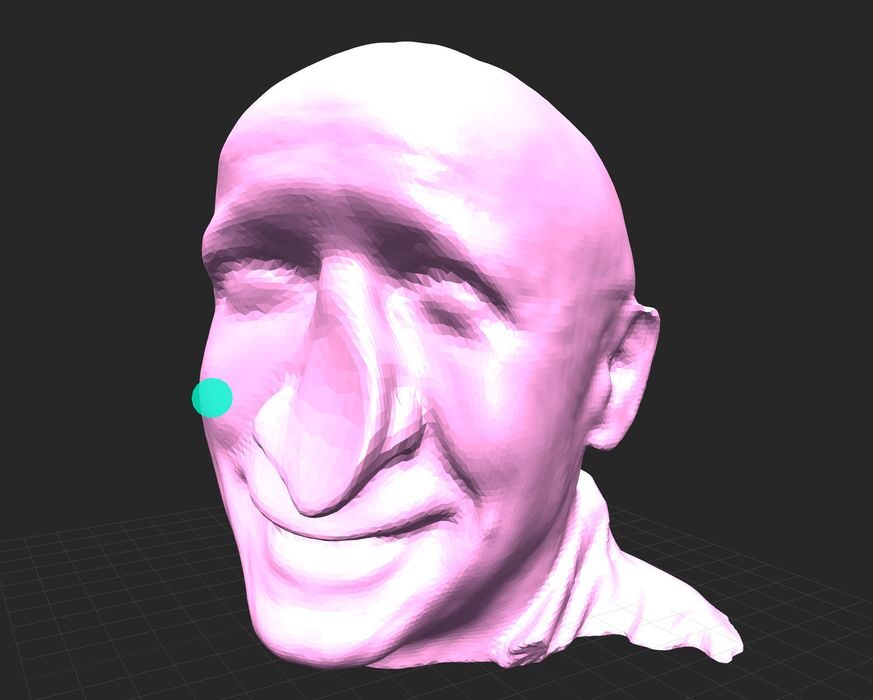
It looks like you can only perform a single inflation operation on the model at a time. But there’s nothing stopping you from downloading the updated STL and then uploading it again for further inflations.
Inflate3D is a fun tool, but I’m not sure there are a lot of use cases for it. You can make some quirky faces by using very slight inflations, especially making noses longer.
It’s a carnival fun house trick mirror for 3D models.
Via Inflate3D