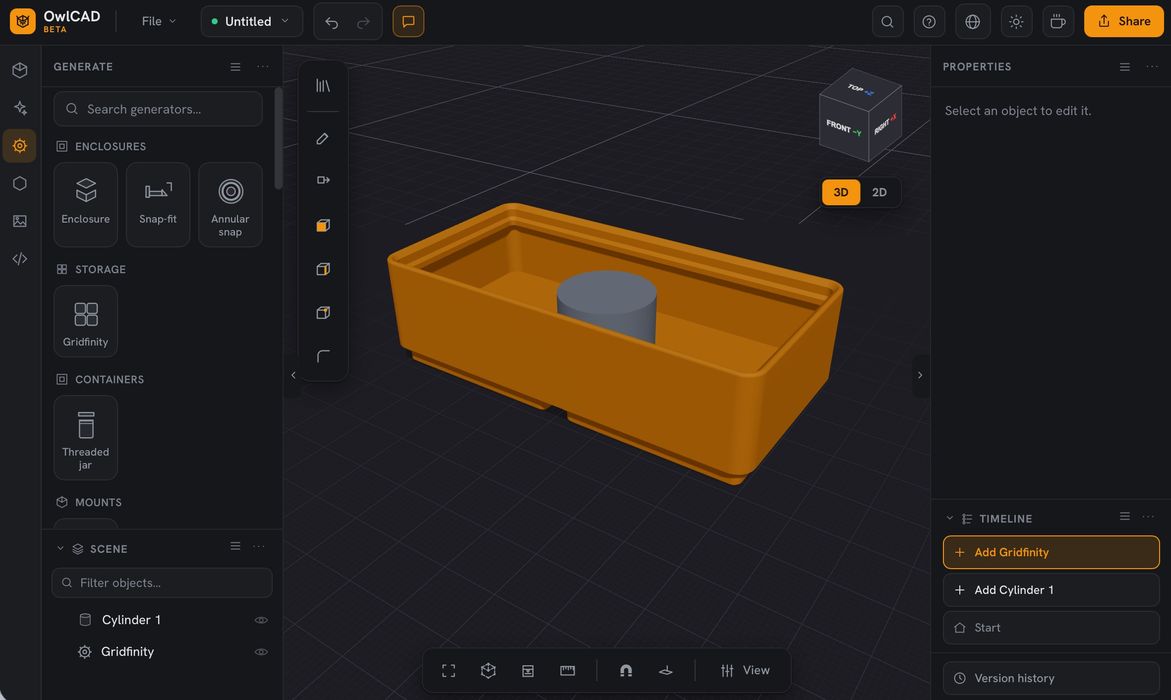
A new CAD option has appeared, and it’s all focused around AI capabilities.
So far, the use of AI in CAD tools is essentially this: Connect an existing CAD tool (like Fusion, SOLIDWORKS, FreeCAD, etc.) to an AI agent (like Claude Code, ChatGPT, OpenClaw, etc.) via the Model Context Protocol (“MCP”). You then simply chat with your agent, and it drives operations on the CAD tool.
But what if you don’t have a CAD tool?
That’s the solution provided by OwlCAD, a new cloud-based CAD solution. OwlCAD appears to be a fully functional CAD system, with all the typical functions: parametric tree of operations, solid modeling, sketching, etc.
But the difference lies in how AI is directly integrated into the tool. There are several ways this is done.
One way is called “AI Assisted”. In this mode, there is a chat window inside OwlCAD where you can simply ask the tool to do things. For example, you could ask for a box of certain dimensions, and it would suddenly appear. Modifications to an ongoing design are also possible in this mode.
There are limits, however. As OwlCAD is a subscription service, you cannot engage the AI assist feature unless you are on their Pro Plan, which is priced at US$12 per month. Once there, you are allowed up to 20 AI actions per month, or about one per workday.
That’s fairly limiting, so the other mode is perhaps more interesting.
This mode might be called “BYOAI”, bring your own AI. OwlCAD is built with an MCP server ready to use. You simply create some access tokens in your account, and then use them, along with the server, in your AI agent.
This then creates a direct connection between your AI agent and OwlCAD, which again sits in the cloud. At that point, you can chat with your agent, and it will then tickle OwlCAD to build or modify whatever you’re working on.
You would BYOAI if your needs exceed the 20 AI invocations per month, or perhaps if you are working on something very complex and need to bring a beefy AI to the table to get it done.
So far, it seems that the folks at OwlCAD have tested the MCP with Claude Code and Cursor, two popular AI agents. They don’t mention ChatGPT or other agents, of which there are many. I haven’t tried using any other agents, but it’s very likely they will be quite usable once you connect them to the OwlCAD MCP.
OwlCAD is an interesting experiment in blending AI and CAD inside an integrated environment. Will it succeed?
The way I see it, the big demand in the future may come from consumers buying increasingly capable desktop 3D printers. These folks often need replacement parts, figurines, scan prints, etc., and generally have no idea how to create the 3D models. AI technology can absolutely solve that problem; it’s just a matter of packaging it up in a way that they can easily access.
Is OwlCAD packaged in that way? I’m not so sure. It seems to be set up in a way that a CAD user would expect, and that’s not the way consumers would easily make use of it. OwlCAD may find that their target customers largely already have their own CAD tools.
But if a version of OwlCAD for consumers were created, then they may see explosive growth as sales of 3D printers grow.
Via OwlCAD