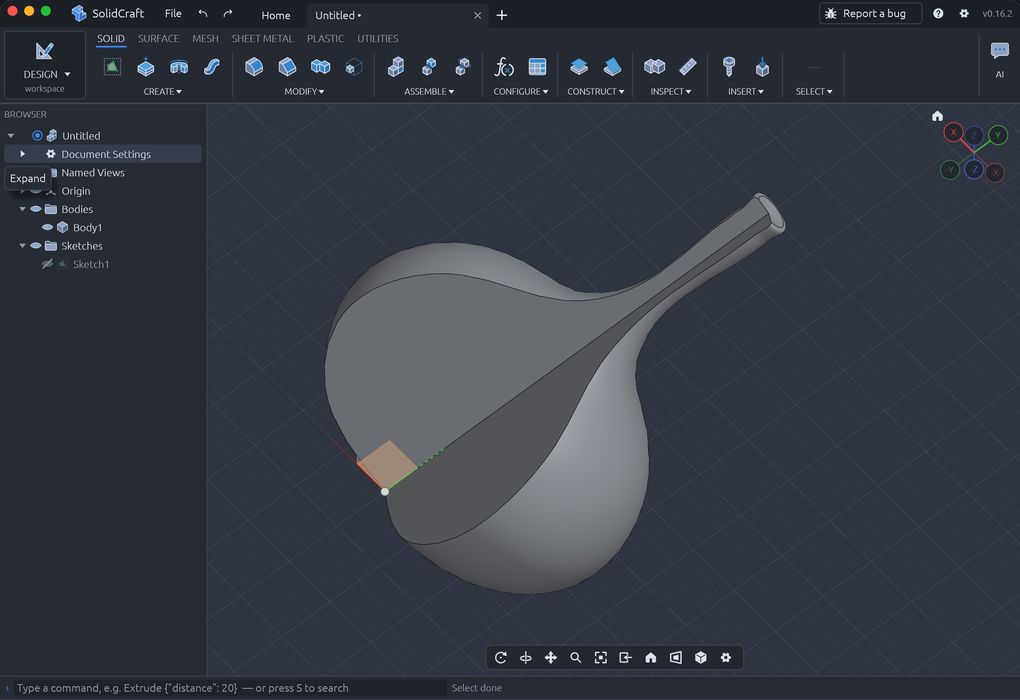
Autodesk had better look out: there is a clone of Fusion on the loose.
If you haven’t heard, the big news is that there is now an option for 3D CAD modeling: SolidCraft. It is a fully open-source tool, vibe-coded using AI tools, and is freely available for download and use.
You may not have heard of it because it literally just appeared only two weeks ago on GitHub. In only a few days, it is sweeping over the 3D print community.
What exactly is it? It’s effectively a clone of Autodesk Fusion, although not including the more advanced features such as simulation. However, it does include all the basic features, including complex sketching, 3D modeling, even assemblies. It also includes fillets, which are usually the feature on which these tools fail.
I tried out SolidCraft, which by the way is currently only available for Mac OS (silicon engines only at that).
The first thing I noticed is that it is essentially instantaneous. It is ready to go after launch in seemingly less than a second. This is far different from Fusion, which takes minutes at times to get into, especially if you have to re-login. SolidCraft has no login; it’s just an app. Did I mention that it is free?
I tried making some simple objects, and it was just as easy as using Fusion. The same, actually.
Visually, SolidCraft looks a lot like Fusion. Maybe even identical. Anyone who uses Fusion will instantly be able to use SolidCraft. In fact, I suspect that many of the Fusion training videos and instructions are also applicable to SolidCraft.
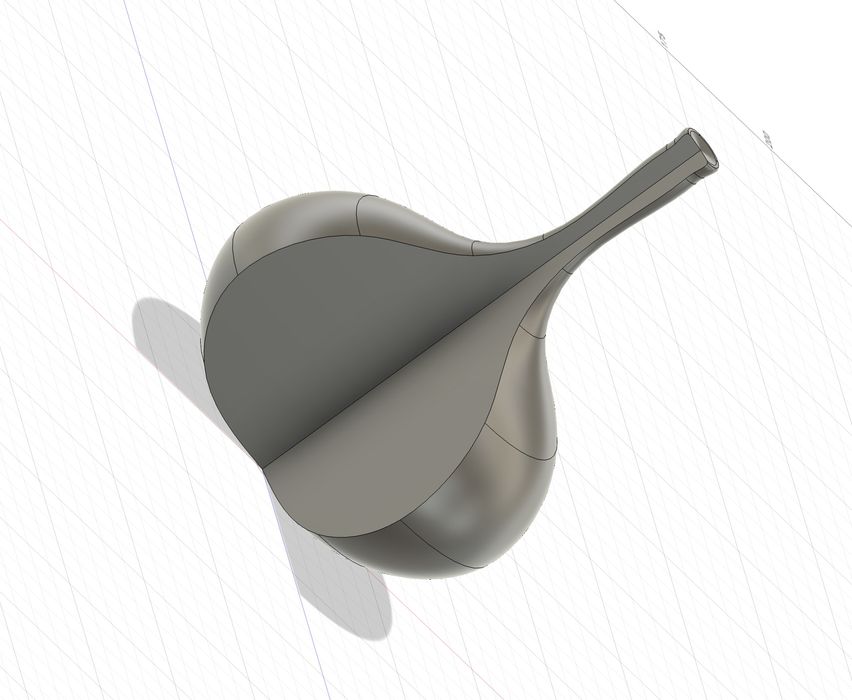
I exported a 3D model in STEP format and was able to import it into Fusion successfully. I tried the reverse, exporting STEP from Fusion and importing into SolidCraft, and that worked perfectly, too. So it seems that you could in theory migrate your designs from Fusion to SolidCraft.
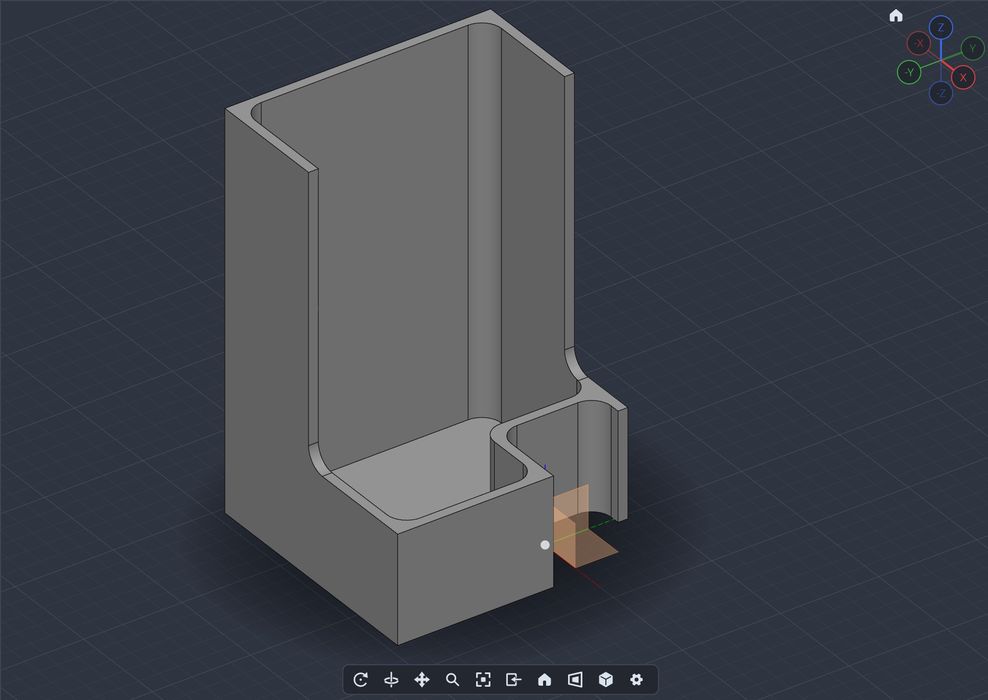
SolidCraft’s speed is not only with launch but with all of its operations. Anything I attempted was completed almost instantaneously. This is quite shocking, as compared to using Fusion, which is often sluggish.
I tried filleting a model with a 13-edge selection, and it worked perfectly. I haven’t tried all the features, because there are so many, but more than likely they work just as well.
Another interesting concept is to use AI tools to drive SolidCraft, which is something I’ve done previously with FreeCAD. This would absolutely open up all kinds of design possibilities to those without CAD skills.
SolidCraft does offer some AI capability. Buried in the Preferences is an AI section, where you will see an ability to sign into Gemini to use the CLI (command line interface). Presumably this will be expanded to offer more LLM options in the future, and perhaps even an MCP for direct AI operations.
I strongly recommend any 3D printer operator looking for a free 3D design tool to take a hard look at SolidCraft, especially if you are using Fusion. If you’re paying for Fusion and not using all of its features, then SolidCraft is a no-brainer.
Via SolidCraft and GitHub