
SPONSORED CONTENT
A 3D model can be printed successfully, but not look truly finished.
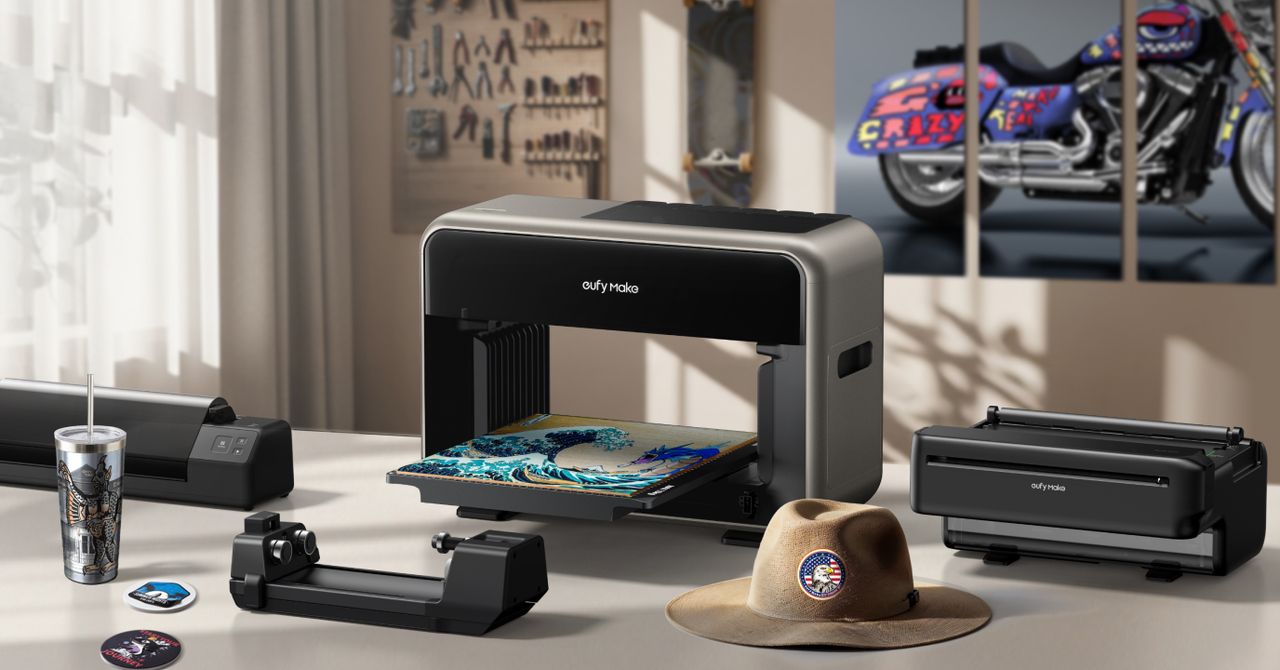
That’s the capability provided by Anker’s eufyMake E1, a desktop UV inkjet printer that adds full-color graphics and physical texture to objects that already exist. For FFF operators, it enables a different way to complete the appearance of 3D printed parts.
Most multicolor FFF systems produce color by switching filaments during printing. That works well for large areas of color, but color gradients, intricate markings and photographic details are quite another matter. The E1 can apply those types of color features to a 3D print.
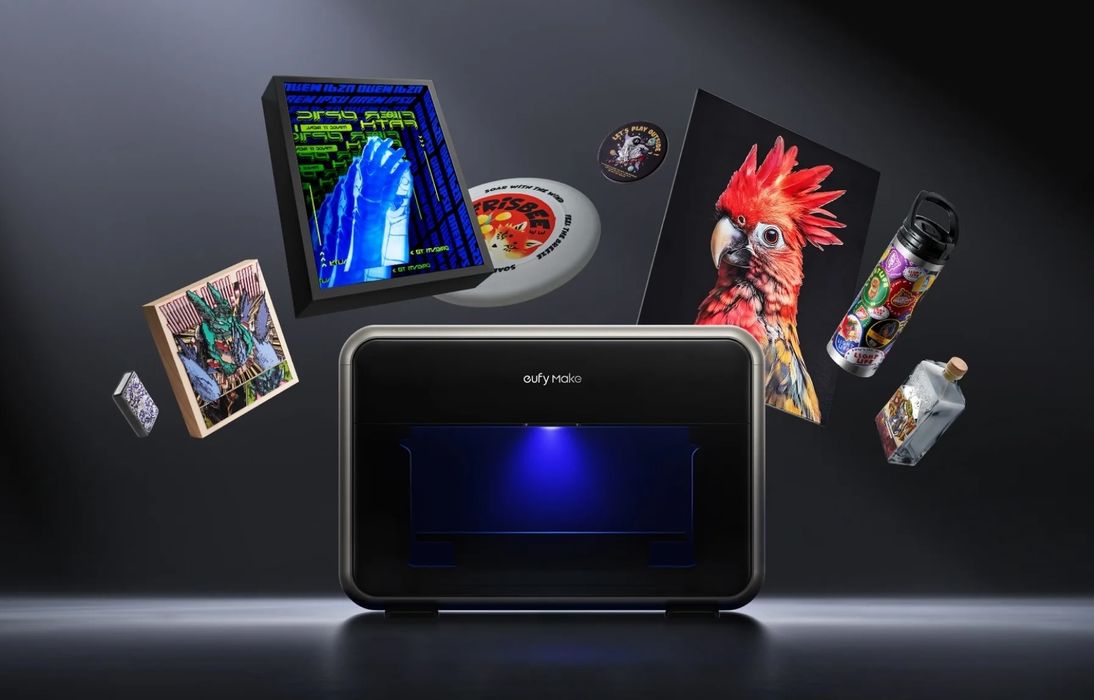
The machine jets tiny droplets of UV-curable ink onto a surface, hardening them with UV light. Repeated passes can also build raised texture up to 5mm high, including embossed lettering, simulated brushstrokes and patterned surfaces. Unlike a resin or FFF printer, the E1 isn’t building the object itself; it is instead adding textures on top of it.
Let’s consider making a 3D printed box. The printer makes the box in the usual manner, and then the E1 can put a detailed topographic design, labels and textured graphics on the lid. A 3D printed cosplay item could have intricate decorative features applied, all without needing to use multiple filament colors or paint the print by hand. Custom keychains, miniature faces and identification plates are other possibilities. Really, the applications are limitless.
Even workshop equipment might benefit. An FFF operator could produce a set of spool labels or storage-bin identifiers, then UV print tiny text and QR codes onto their surfaces with the E1. You could produce details for them that would be impossible to achieve with filament alone.
There’s also an interesting benefit in the other direction: a 3D printer can make positioning jigs for the E1. These hold objects in the exact same locations on the E1 so that artwork lands in the same place on repeated jobs. For anyone producing small batches of customized parts, that could be of great interest.
The E1 has a 330 x 420 mm printing area and up to 1440 DPI resolution, with cyan, magenta, yellow, black, white and gloss inks. But remember that these colors can be mixed on the fly to reproduce basically any conceivable color, unlike filament-switching 3D printers.
Anker says the E1 can print on more than 300 materials, including wood, metal, glass, acrylic and leather, although some surfaces require preparation. At 590 x 250 x 407 mm and 20 kg, the E1 can easily fit on a desktop.
One feature caught my attention: operators can switch between hard white ink for rigid surfaces and soft white ink for flexible materials. The change requires a purge of about 30 ml, so frequent switching would increase ink consumption.
Anker has also been updating the E1’s software recently. A new bidirectional printing feature deposits ink on both directions of printhead travel, reducing print times by roughly 40–75% in the company’s tests. However, not all E1 printing modes support this feature yet.
The newer Interactive Design Flow guides users through choosing materials and effects, positioning artwork, and aligning the object with a camera image. The company’s Make It Real https://makeitreal-beta.eufymake.com/ project library provides examples with estimated printing time and ink usage, and the mobile app, Anker Make https://www.eufymake.com/eufymake-app, provides real time monitoring and project access.
Inkjet systems still need nozzle maintenance, which is partly automated by the JetClean feature. Anker has also recently relaxed its expired-ink restriction, allowing operators to proceed after acknowledging a warning.
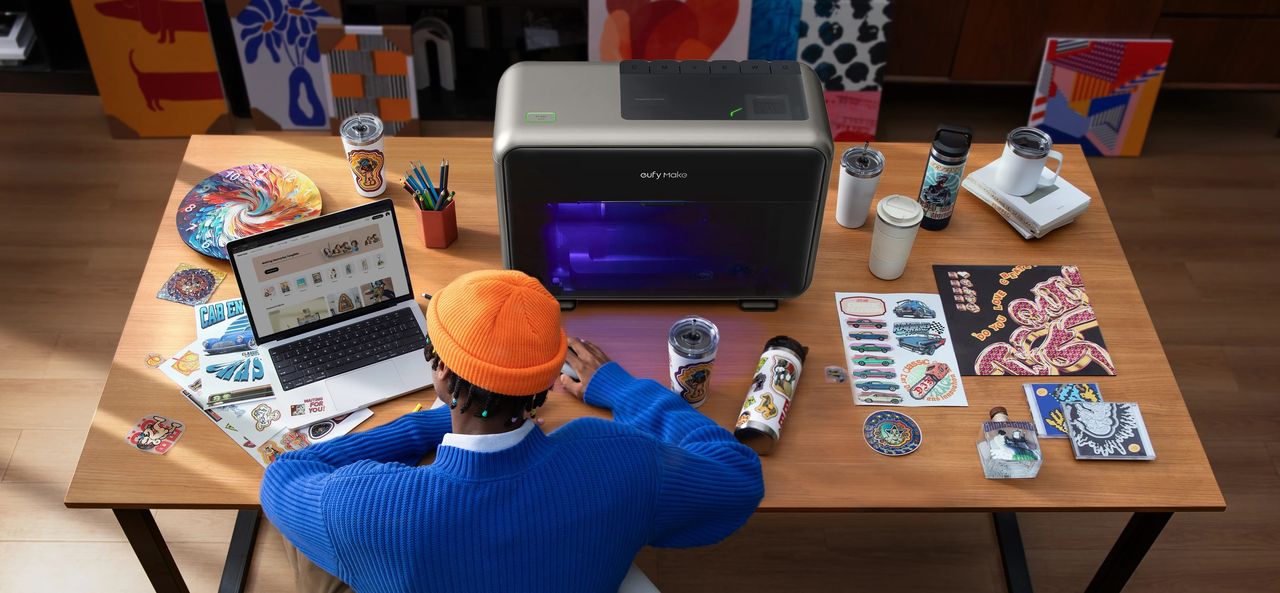
Anker’s US Black Friday promotion runs through November 30. The Basic Bundle is US$1,799, while the Deluxe Plus Bundle, with rotary, laminating and roll-to-film accessories, is US$2,699. Fabbaloo readers can use code “fabbaloo100” for another US$100 off the Deluxe Plus Bundle, bringing it to US$2,599. Selected accessories are discounted by up to 20%.
I suspect some FFF operators will find the ability to add detailed color textures to 3D prints a very interesting idea, and the E1 could be one of the easiest ways to do that.
Via eufyMake