
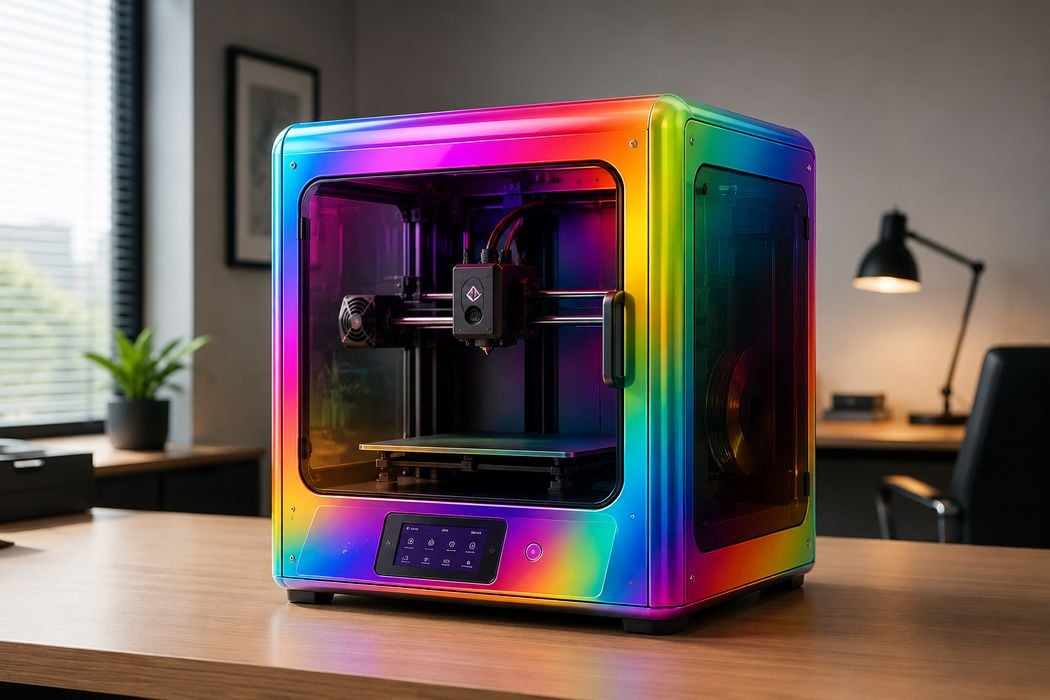
The new “full colour” capabilities to FFF 3D printing are creating some interesting reactions.
Full colour has long been a dream for desktop 3D printer operators, who up until now have been mostly painting 3D prints. For many years, desktop FFF systems were basically monocolour: load a filament and print it. Sometimes you’d swap a spool in mid-print to change colours on a layer boundary, but that was about it.
Then we had the introduction of single-nozzle colour switching. These “filament swappers” would push and pull several filaments to and from the hot end in mid-print, allowing for different colours to be printed in the same job.
But there were some constraints. Usually, only four or five colours were possible. Later developments allowed for additional filament swapper units to be added, increasing the number of possible colours in a job.
Additionally, this approach was extremely wasteful of material, with some jobs requiring 10X as much filament as the model just to do the required purging. That issue has now largely been solved with the introduction of low-waste systems.
However, none of these approaches were able to produce actual colour textures. You would only be able to print the red from the red filament spool, that green from the green spool, etc. You could not print a gradient that mixed red and green.
That all changed with the introduction of the Full Spectrum concept by Ratdoux. This approach used optical tricks to place thin layers of different colours beside each other to fool the eye into seeing a different colour. This, for the first time ever, allowed FFF systems to print actual colour textures.
This is an amazing concept that will surely revolutionize desktop FFF systems, but how is it being implemented? Ratdoux’s open-source implementation requires extra work by 3D print operators to get it working.
The good news is that Full Spectrum is an open-source tool, so that allows others to incorporate it into their software. This is precisely what some 3D printer manufacturers are doing — and some are not doing.
Let’s take a look at the current state of affairs regarding desktop FFF colour printing:
Snapmaker
Software: Snapmaker Orca “Full Spectrum”
This is the closest direct adoption of the community Full Spectrum approach. Snapmaker says U1 users can generate “virtual colours, layered colour effects, and gradient-like transitions” from the four loaded filaments inside the official Snapmaker Orca workflow.
Bambu Lab
Software: Bambu Studio 2.5.3+ “Color Mixing”
Bambu Lab added a feature for combining two or three filaments to create new shades and gradients. They appear to have used Ratdoux’s OrcaSlicer-FullSpectrum fork as the basis for the colour prediction part. Bambu’s own release notes describe “Color Mixing” as mixing multiple filaments by ratio.
Prusa Research
Software: PrusaSlicer 2.9.6+ and EasyPrint “Prusa ColorMix”
Prusa has gone further than just a slicer port: it says it calibrated a colour mixing model against measured FFF prints, tied it to OpenPrintTag material data, integrated it into PrusaSlicer and EasyPrint, and is preparing a Prusament CMYKW set. The model is MIT-licensed and explicitly branded Prusa ColorMix.
And… that’s it. The remaining major desktop FFF 3D printer manufacturers have not yet announced — or worse, not considered — a full-colour texture solution for their equipment.
Missing in action on this front include: Creality, Anycubic, ELEGOO, Flashforge, QIDI, Sovol, Raise3D, LulzBot, UltiMaker, and many others.
Creality, Anycubic, Flashforge, and a few others are particularly interesting because they offer multimaterial printing capabilities — but without colour textures.
That can obviously change, and should. Being able to print in full colour is a huge capability that will likely become a standard feature in coming years. The good news is that the software is open source, so those companies that wish to implement it shouldn’t have that hard a time doing so.
Who’s going to win this colour war? I’m not sure, but it might be the filament manufacturers.
