
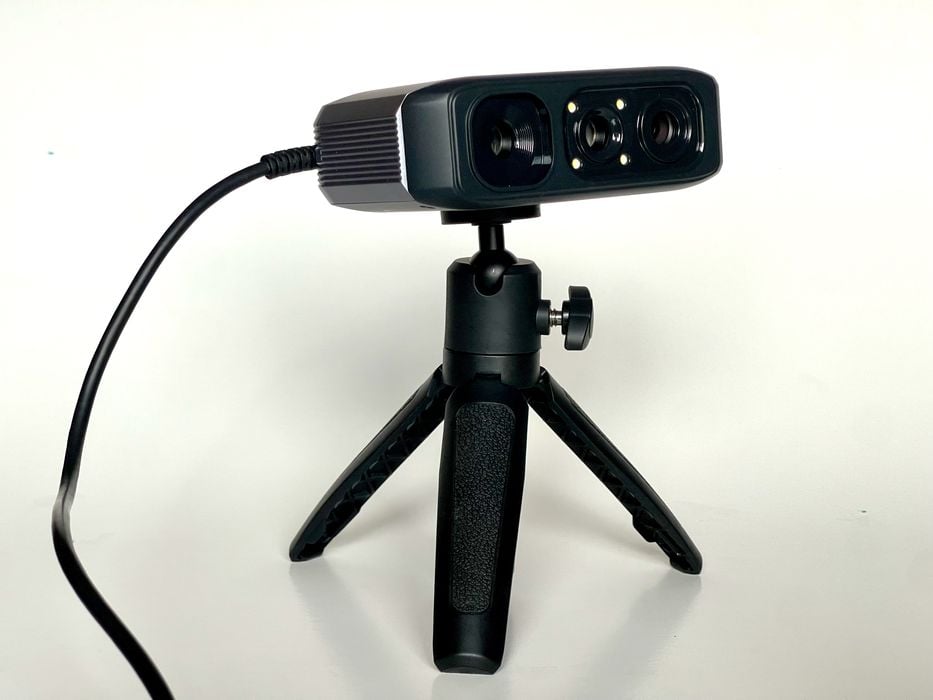
This week’s question is about buying a 3D scanner.
An anonymous reader from Hawaii asks:
“When it comes to 3D digital handheld wand scanners, which ones does the industry consider the best with the best resolution and accuracy? As an example, we would be scanning legacy aircraft parts, so with regard to tolerances, accurateness (if there is such a word), the resolution and accuracy would need to be on the mark. There are no scanning services located in Honolulu and no dealers that I’m aware of.”
3D scanning is a tricky business because the answer is always “it depends”. The “depends on” are:
- The type of object being scanned
- The size of the subject
- The material making up the subject
- The budget for the scanner and associated software
- The number of scans to be taken — one or continuous use
- The precision required for the job(s)
There are many different types of 3D scanners that fit most of the scenarios in the above list, so it’s impossible to say which one is the “correct” scanner for the job without all the answers.
That said, there are some approaches for solving this situation.
My first suggestion would be to take a sample part that represents the workload to somewhere where you can get a scan done. This would be a “test” of that scanning equipment and software. If it works on a representative part, then it should work on the rest. That’s much like a test drive from a car dealer.
However, if there are no 3D scanner stores or services visible, then things get a bit more challenging.
I’d suggest a couple of methods.
3D Print Stores Often Sell 3D Scanners
First, there are quite a few lower-cost 3D scanners now on the market. These are cheap enough to be considered as “accessories” to 3D printing, and because of that, they might be found at 3D printer stores. Most large cities, including Honolulu, will have at least one or two retail operations dedicated to 3D printing. Quite often, these stores will also carry a line of 3D scanners, and they’d certainly be happy to have potential customers try them out on a part.
If the 3D printer store does not carry 3D scanners, perhaps they should. Stores are always looking for new sources of revenue, and by introducing 3D scanners, they can do so. You can suggest a couple of options for them to consider, and perhaps you’d even get involved with them looking at different devices before they decide which brand to carry.
Another approach would be to contact large local manufacturers, who just might have their own 3D scanning technology. They may be willing to show them to you as a demo, if they are sufficiently friendly.
As for the state of the market, things are getting less expensive and more powerful as time passes. Ten years ago, I purchased a very powerful handheld 3D scanner, paying over US$50,000. Today’s equipment is better, easier to operate, and far less expensive.
The main scanner manufacturers these days seem to be Artec 3D, 3DMakerpro, and Shining 3D. I’ve tested many of their products, and they are all quite good, with 3DMakerpro’s being the least expensive. However, you may require more accuracy than they can provide. I have recently heard quite good things about Shining 3D’s Einstar 2, which includes two different scanning engines to easily capture difficult subjects.
Some of these options are so inexpensive (like a few hundred dollars) that you may even want to buy two or more and try them all out. Also note that this technology changes very quickly, so today’s “best” scanner will be next year’s “meh” scanner.
It’s never been easier to acquire a powerful handheld 3D scanner.
