SPONSORED CONTENT
Doing the 3D scanning is never the whole job.
It’s easy to look at what a new 3D scanner can capture: a broken part, a detailed sculpture, maybe even that dark and shiny fender. But if the resulting scan file can’t be properly used in the next step in your workflow, the job is not yet done.
That’s the view taken by SKYLAB3D, a US supplier of 3D scanners and engineering software. The company suggests beginning a purchase with the answers to three key questions: What are you scanning? What must the resulting file do? And what equipment and software will it take to get there?
Let’s consider a small business trying to reproduce a worn-out bracket. A scanner might capture its surface geometry perfectly, yet the part designer still has to decide how to restore that worn-down mounting hole, ensure a properly flat surface and then make sure the model is actually 3D printable.
Sometimes just a 3D mesh file may be sufficient, usually for a visual model or a replica object. However, it gets more complicated when you might require engineering changes that require reconstructed surfaces or an editable CAD file. If using the scanner for inspection work, it might require a documented measurement process and reporting software. These are all very different outcomes, even though they all started with the exact same scanned object.
Wireless Doesn’t Necessarily Mean Standalone
There’s another concern that can get lost when looking at portable 3D scanners.
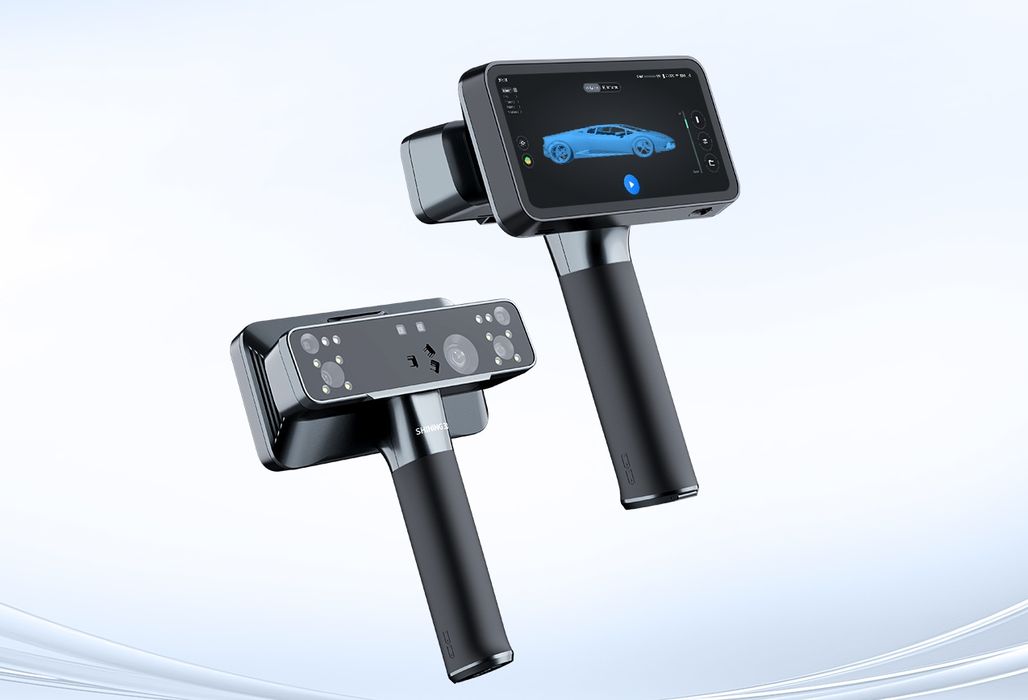
A wireless 3D scanner can communicate with a computer without a cable, but it may still depend entirely on that computer for its operation. Meanwhile, a standalone 3D scanner would have onboard processing to perform its capture tasks independent of any other computer. Standalone scanners can handle supported capture and mesh processing onboard; CAD reconstruction or advanced inspection may still require separate software on a computer.
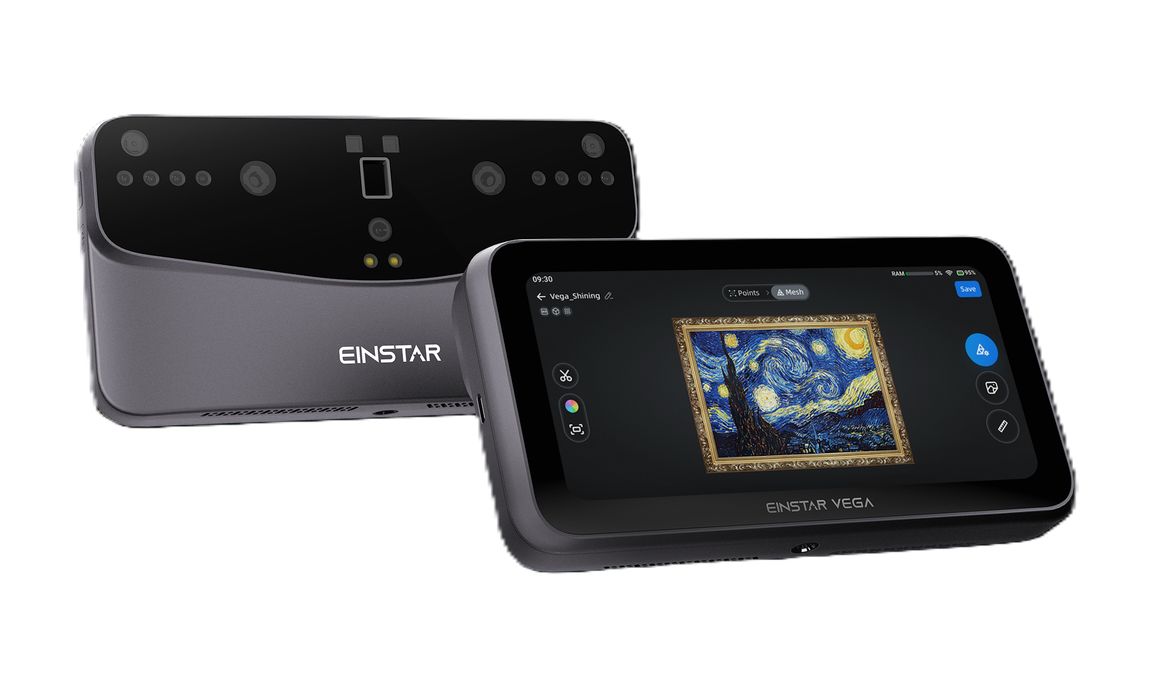
SKYLAB3D carries several examples of these configurations. The EINSTAR 2 operates with EXStar Hub desktop software. The EINSTAR VEGA supports onboard scanning, while the EinScan Rigil accommodates standalone, wireless PC and wired PC operation.
An operator capturing large objects away from the workshop would absolutely use the onboard review feature. Someone scanning parts beside an existing workstation may prefer to use that computer. SKYLAB3D’s VEGA and Rigil comparison explores how these workflows differ.
The company recommends evaluating any 3D scanners contemplated for purchase with an actual part representing your work, preferably one containing the most difficult surfaces or details that are usually encountered. They suggest checking how the operator is able to capture a hole, how the scanner handles a reflective surface and how it deals with missing data. Then, once a scan is captured, take the resulting file into the intended CAD application and try to complete a real task.
That’s a lot of work for testing a scanner, but it is definitely worthwhile. A scanned 3D mesh that looks good on screen might still require tweaking (or more) before an engineer can make good use of it.
The Price Is More Than The Scanner
SKYLAB3D also recommends looking beyond the price of the hardware. Capture software, CAD reconstruction or inspection applications, accessories, computer requirements, training and support are all part of the workflow: if you are scanning, you need a scanner and several other things.
Operator work time is frequently overlooked, and it can be quite important. Let’s suppose a particular workflow requires an extra 20 minutes of cleanup for each of 120 jobs during a year. That’s 40 hours a year. At an illustrative labor rate of, say, US$75 per hour, that additional work comes to US$3,000 annually.
A faster way to get from scanning to a properly usable 3D model may be worth paying for. Decisions up front have long term implications.
SKYLAB3D would like their customers to request a scanner AND software recommendation, ideally supplying part dimensions, material, important features, expected output and existing software.
Once the entire workflow is tested, then a 3D scanner purchase can be done a lot more confidently.
Via SKYLAB3D