
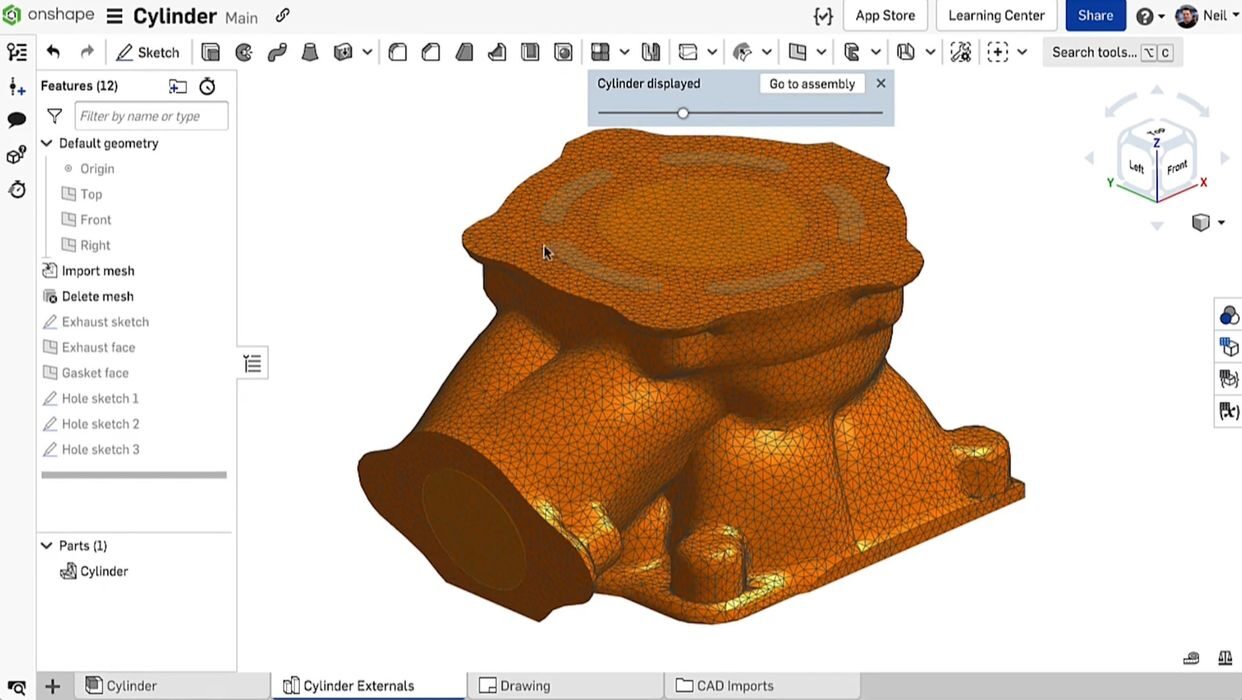
New research may lead to future simplification of automated CAD model generation.
MIT researchers built VideoCAD, a 41,005 video dataset of Onshape CAD interactions, then trained a transformer that predicts the next clicks, keystrokes, and cursor moves needed to recreate a target model.
The researchers have built a dataset that teaches AI models to “drive” a professional CAD interface, which is a quieter but potentially important step toward practical CAD copilots.
From CAD Sequences To UI Actions
The work is called VideoCAD, and the premise is simple: instead of generating a CAD file directly, learn the long and complex user interface (UI) interaction sequence that produces the part inside real software. The team focused on Onshape, a browser based CAD platform, and converted parametric construction histories into executable UI instructions that a bot can replay while recording the screen.
Each sample includes a full UI video plus two levels of timestamped annotations: low level actions (clicking, typing, mouse movement) and higher level CAD operations aligned to primitives like sketches and extrusions. In other words, it is not only “what the final part looks like”, but also “what the user did, when, and where on screen” to get there.
High Fidelity Data, Built The Hard Way
VideoCAD is generated from human authored CAD designs, translated into UI steps, then executed inside Onshape with a hybrid automation approach. The authors use Selenium for DOM level automation and PyAutoGUI for pixel level control, deliberately avoiding Onshape’s internal API. They also add human like heuristics such as randomized delays and zooming to make the interactions look closer to real usage.
Quality is a big question for synthetic UI data, so they filter reconstructions by comparing the final isometric render to the human reference using vision embeddings and a similarity threshold. After filtering, they extract keyframes aligned to the action logs so models can learn from time-matched frame action pairs. The resulting dataset totals 41,005 CAD construction videos.
A Transformer That Predicts Clicks And Coordinates
To prove the dataset is usable, the team trains VideoCADFormer, an autoregressive transformer that predicts the next UI action conditioned on the target CAD image and recent UI frames.
Actions are represented as a structured command with parameters, including pointer coordinates and numerical entries, covering commands like MoveTo, PressKey, Scroll, Type, and Click. Parameters are categorized into about 1,000 classes, turning the problem into classification rather than free form regression.
Those categories highlight the main pain point for anyone who has watched CAD automation fail: tiny pointer errors break sketches. The paper’s own failure analysis notes that inaccurate x,y predictions can, for example, leave a sketch loop open, which then prevents extrusion, and that the model sometimes confuses lines and arcs when curvature is visually ambiguous.
Results That Are Promising, Not Magical
On the paper’s benchmarks, VideoCADFormer beats several behavior cloning baselines. Reported command accuracy reaches 98.08% and parameter accuracy 82.35%, with a higher fraction of perfectly predicted actions than the comparison methods. They also evaluate geometric fidelity by executing predicted actions back in Onshape and scoring the resulting model with Chamfer Distance.
In that execution based test, the success rates were still far from “push button CAD”. But the direction is notable: overall success rate improves versus the VPT baseline, and the invalid model rate drops, which is exactly what you would want from a UI agent that needs to survive long horizons where small mistakes compound.
Why AM Folks Should Care Anyway
If you live in additive manufacturing, you already know CAD time is often the hidden cost center: fixtures, brackets, jigs, print in place mechanisms, and endless “just tweak the fillet” edits.
Most AI CAD efforts chase direct geometry generation, but manufacturers still have standard workflows with their mainstream CAD tools, including templates, PDM, revision control, and checklists. A competent UI level agent could, in theory, slot into that existing toolchain without asking the world to adopt a new CAD system.
The paper also uses the dataset to build a small CAD focused video VQA benchmark, and the results are a reality check: even strong multimodal models struggle on tasks like frame ordering and extrusion counting. The authors report that LLM based UI agents also fail to complete even short CAD tasks when asked to operate in Onshape using pixel level actions, reinforcing that CAD is not “another web form”.
The Missing Pieces
VideoCAD is not a full CAD universe. It focuses on sketch extrude workflows, uses a single platform (Onshape), and the trajectories are generated by a bot, which means timing and strategy diversity are limited. The authors explicitly list future work like adding human demonstrations (including CAD tutorials), expanding to advanced features such as fillets, sweeps, and lofts, and supporting additional CAD systems such as Fusion 360 and FreeCAD.
If they can extend beyond sketch extrude and improve robustness to small geometric mistakes, the most interesting outcome may not be fully automated parts, but CAD autocompletion: the ability to pick up an in progress model and finish the boring steps reliably. And for AM, boring steps are where schedules go to die.
