Charles G. Goulding looks beyond Medtronic’s award-winning innovation to explore how 3D printed sinus models, smarter instruments, and equipment partnerships are shaping the future of ENT surgery.
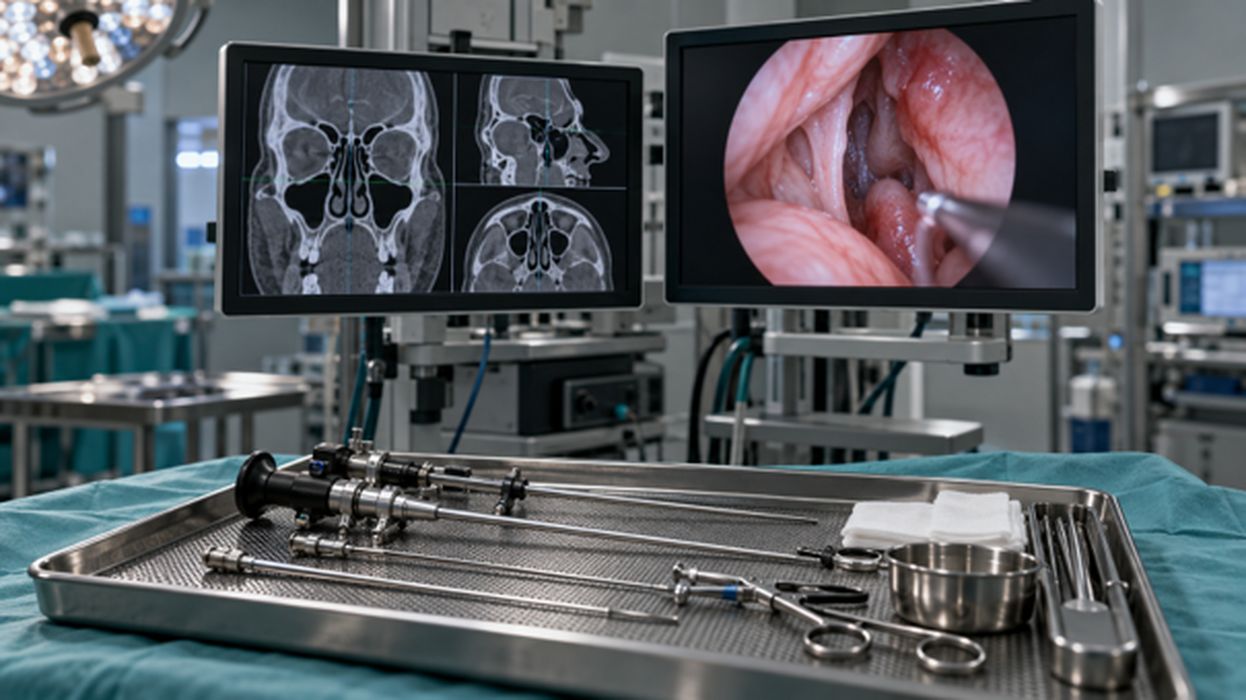
Follow a tiny camera through a nostril, and the nose opens into a world of narrow passages. A surgeon can watch that view on a screen while working with slender instruments. Nearby, another display can show where a tool sits on a map made from the patient’s scans. Medtronic’s Stealth AXiS helps provide that second view. Its place on TIME’s 2026 Best Inventions list, reported in Medtronic’s October 15 announcement, offers a good reason to look around this busy corner of the operating room.
How Surgeons Navigate the Sinuses
The camera travels in a thin tube called an endoscope. As the surgeon moves it, the picture changes, showing the tissue ahead. This is one way doctors work inside the nose without making an opening through the outside of the face. The specialty is called ear, nose and throat medicine, or ENT. The instruments are narrow because they must pass through the same small entrance. There is no room here for a large tool or a wide sweep of the hand.
Beyond that entrance are the sinuses, small air spaces near the eye sockets and the base of the skull. A camera gives a close-up, much as looking through a doorway shows part of a room. To see how that room fits into the building, you would want a floor plan. In surgery, scans taken before the operation provide the wider picture. Stealth AXiS follows an instrument and marks its position on those images. The surgeon can check the close-up against the map, especially when swelling or earlier surgery has changed familiar landmarks.
Recently, Medtronic announced FDA clearance for cranial and ENT uses in March 2026, followed by European CE marking for ENT in June. The company touts clearer images and faster responses than its older systems. For a doctor trying the equipment, those claims lead to a very ordinary concern: when the instrument moves, is the information on the screen easy to follow? Evidence from clinical use is still needed to establish whether a feature improves an operation.
Line Up the Map
Before the surgeon can use the map, the team has to line it up with the patient. Imagine a street map with the little “you are here” dot on the wrong corner. The streets might all be drawn correctly, but you could still take the wrong turn. Surgical navigation needs its own careful matching step, called registration. It connects the stored scans with the person on the operating table, so the tool’s position can be shown in the right place.
Medtronic’s device description and performance information describes trackers that help the system follow the patient and instrument. The equipment also needs calibration checks of how it measures position. After all, the surgeon is relying on a marker on a screen to represent a real tip inside the body.
The setup begins with people getting the room ready. Someone needs to position the navigation cart, as well as the camera equipment. Staff still also need a clear way to reach the patient. A supplier can learn a great deal by watching a team prepare the room during a demonstration. Does someone have to move a cart twice, for instance? Is a needed part hard to find?
A Blade with a Location
Now we can follow the instrument to its working end. Some sinus tools have powered blades that remove tissue; Medtronic has added navigation to that job too. In its October 7 ApexCut announcement, the company reported FDA clearance for EM navigated blades designed to work with Stealth AXiS ENT. With a compatible blade, the surgeon can remove tissue while following the tool’s position on the display.
Inside a powered sinus instrument, a small cutting part may turn or move back and forth. Suction carries the removed tissue away through the tool. Think about how much has to fit into that narrow shape. The tip must reach the spot the surgeon wants, and the material being removed needs a clear path out. A designer might curve the shaft to reach around a bend. Then the team has to try it again and see whether the new shape is comfortable to hold and whether it clogs.
The map must keep up with all of those design choices. If the tool has a different shape, the displayed location still has to match its actual tip. Companies making new instruments therefore need to check the cutting and the tracking together. Hospitals have a related question when they buy the system. Which tools can they use with it now, and what would additional tools cost? The workstation is one purchase, but the instruments used with it can continue to add to the final bill.
Better Together
A camera and a navigation display sit side by side, yet the team still needs a convenient way to use both individually. KARL STORZ makes endoscopic cameras and instruments. In June, the companies announced a Medtronic–KARL STORZ collaboration in the United States to bring those products together with Stealth AXiS. They want to make it easier for ENT customers to choose the equipment and get it working in their operating rooms.
Picture a practice whose camera system is still doing a good job. The doctors want to add navigation. They will need to decide if they keep their camera, or if they will have to replace that too. And if something fails to work, who comes to fix it? These questions are well worth asking while the suppliers are in the room. A team should be able to follow the proposed setup from one piece of equipment to the next and understand what stays, what changes and who helps.
Small suppliers have their own role. Take a simple adapter, the piece that lets two components join together. It has to fit snugly, and another copy made next month has to fit just as well. If it is reused, it must also survive the cleaning required. A company may try several shapes before getting that little part right. The surgeon may hardly notice a well-chosen product, which is quite a good outcome for something meant to hold other equipment together.
Room for the Robot
There are other ways to bring the map closer to the camera view. Stryker’s ENT navigation system, powered by Scopis software, can lay a planned route over the picture from the endoscope. The surgeon sees the tissue with guidance added to the image. This is called augmented reality. Here, the idea is simple to picture. A route chosen before surgery appears over the live view, helping the surgeon connect the plan with what is in front of the camera.
Now step back from the screen and look around the operating table. Surgical robots need room here too. Our recent Fabbaloo article on Johnson & Johnson’s OTTAVA explored a system with four robotic arms built into the table. OTTAVA is for specified general-surgery uses, separate from ENT. Still, its designers face a familiar room full of people and equipment. The arms need space to move, while the surgical team must be able to reach the patient. Building the arms into the table changes how everything fits.
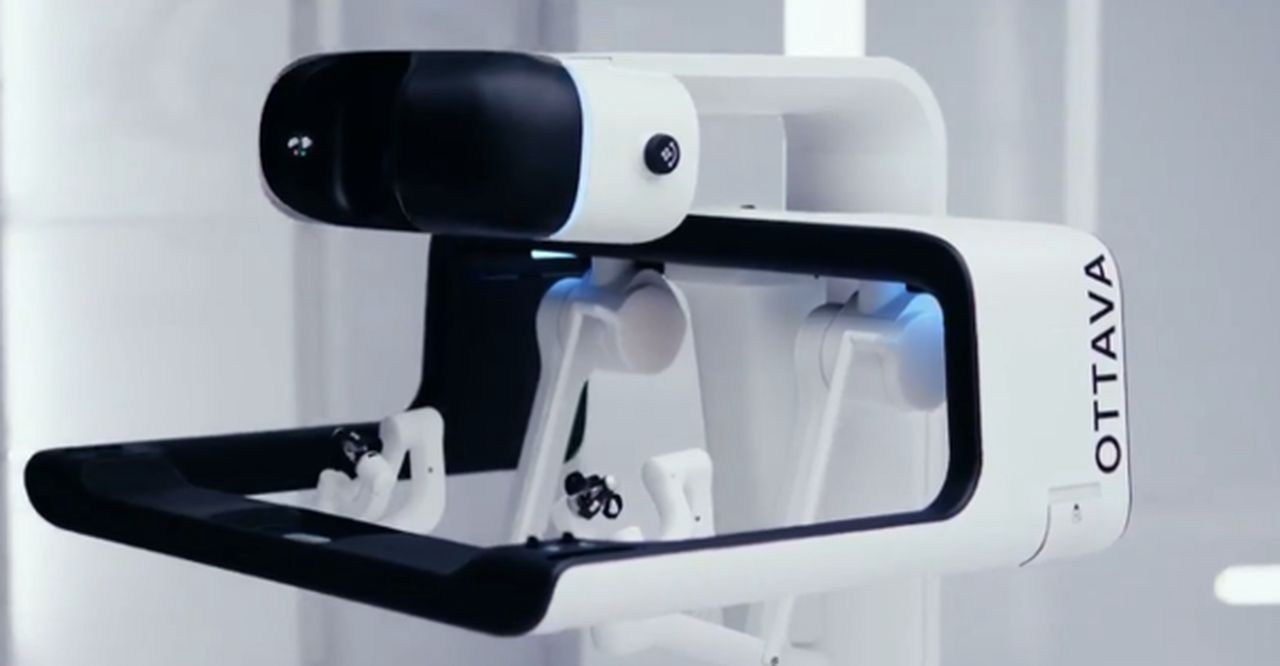
A hospital choosing equipment needs to work out which jobs its team needs help with. A robot, a camera and a navigation system each do a different job — navigation marks a tool’s location on medical images, whereas a robot can move an instrument through its controls. An ENT practice may want a better way to follow an instrument through the sinuses. That purchase is quite different from buying a robot for abdominal surgery.
Who Makes What?
The companies below supply different pieces of this work. Some help the surgeon see, some help locate or move tools, and one makes a wearable that gathers measurements from the patient.
| Company | Equipment | What It Does |
| Medtronic | Stealth AXiS and ApexCut EM blades | Shows instrument position on scans and supports compatible cutting tools. |
| KARL STORZ | Endoscopic cameras and instruments | Gives the surgeon a live view inside the surgical site. |
| Stryker | ENT navigation with Scopis software | Places planned routes over the endoscope’s image. |
| Johnson & Johnson | OTTAVA surgical robot | Builds robotic arms into the operating table for general surgery. |
| Intuitive Surgical | da Vinci surgical systems | Provides robotic instruments controlled by a surgeon. |
| Corsano Health / Medtronic | Patient-monitoring wearable | Collects several body measurements for monitoring. |
A Sinus on the Workbench
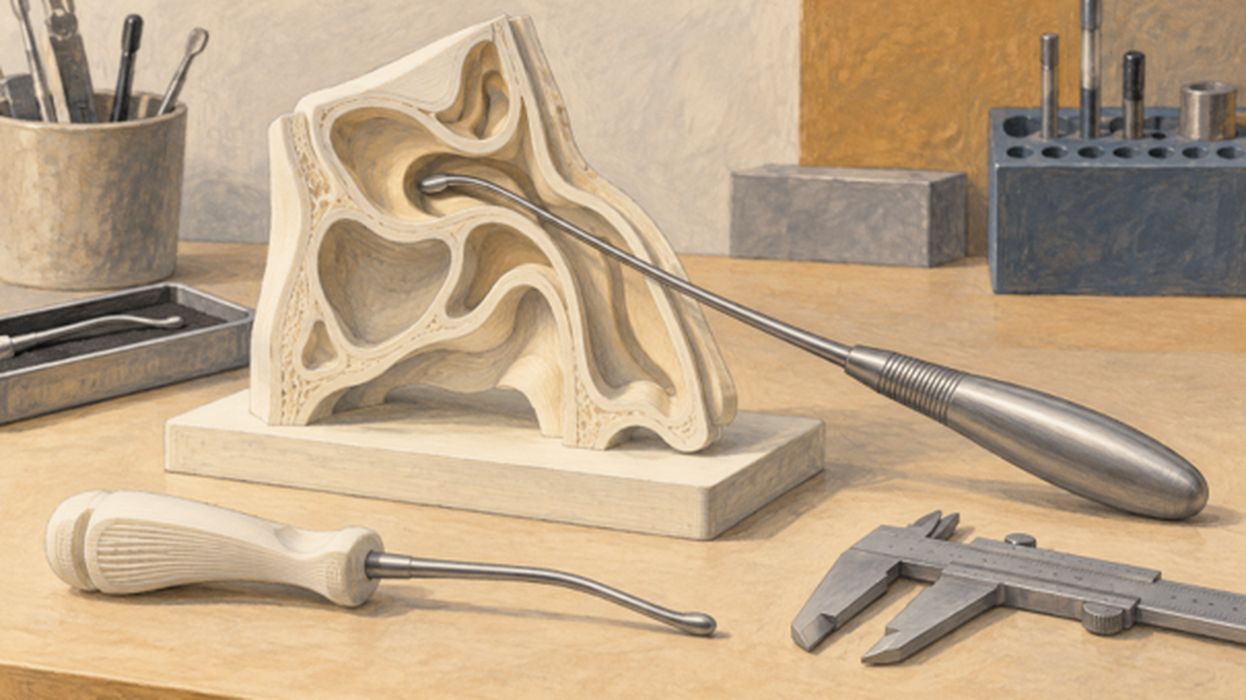
To try a new tool, an engineer can start with a model on the workbench. Medical scans show the shapes inside the head. A designer can use those images to build a shape on a computer, then send it to a 3D printer. The result is something the team can pick up and examine. Fabbaloo’s earlier coverage of Fusetec described printed sinus models for surgical training. Suitable models could also give equipment developers a place to try an instrument before it goes anywhere near a patient.
Imagine a test model with a small opening and a passage that bends out of sight. An engineer slides a prototype inside. The tip needs to go farther, but the handle bumps against the outside of the model. Now the team can see what is stopping it. They might change the shaft’s curve and try again. Using the same model lets them compare the two versions.
The Research & Development Tax Credit
The now permanent Research and Development (R&D) Tax Credit is available for companies developing new or improved products, processes and/or software.
3D printing can help boost a company’s R&D Tax Credits. Wages for technical employees creating, testing and revising 3D printed prototypes are typically eligible expenses toward the R&D Tax Credit. Similarly, when used as a method of improving a process, time spent integrating 3D printing hardware and software can also be an eligible R&D expense. Lastly, when used for modeling and preproduction, the costs of filaments consumed during the development process may also be recovered.
Whether it is used for creating and testing prototypes or for final production, 3D printing is a great indicator that R&D Credit-eligible activities are taking place. Companies implementing this technology at any point should consider taking advantage of R&D Tax Credits.
Back to a Surgeon’s Hand
Come back to the slender instrument entering the nose. Its handle rests in the surgeon’s hand, its tip works inside a small passage, and a screen helps show where it is. For an ENT practice, a good conversation with a supplier can begin with showing how the team already works. Let people try the proposed equipment and explain what feels awkward. That observation can travel back to a designer, then into red prototype and another test. The next time the team picks up the tool, a small part of the day may go more smoothly.