
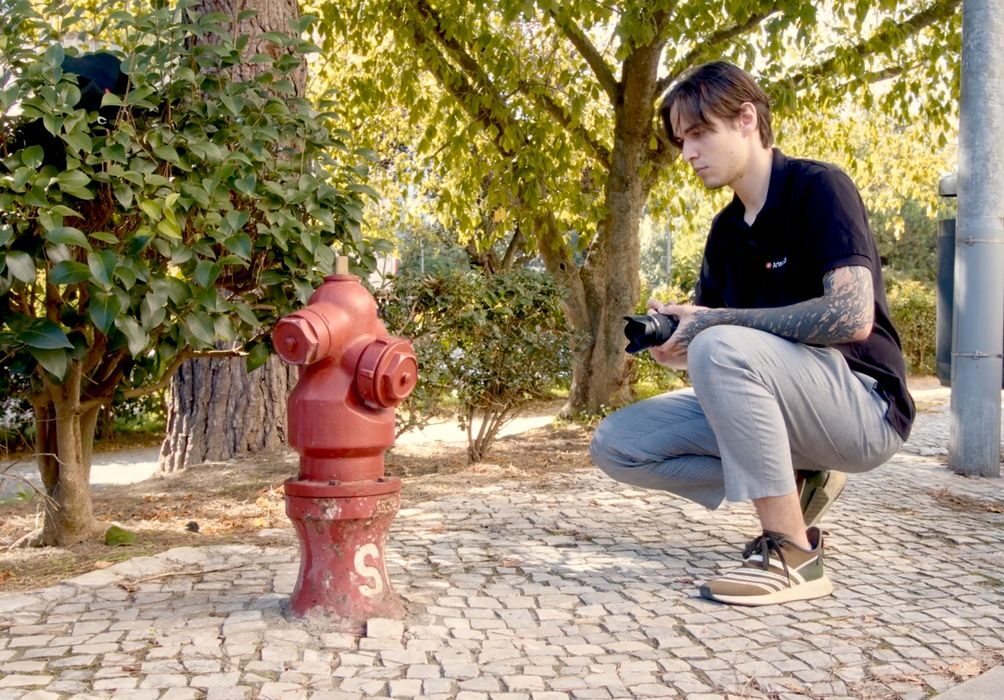
Artec 3D announced some interesting changes to their popular 3D scanning software, effectively splitting it into two different products.
The company manufactures high-end 3D scanners of various types, some of which we’ve tested in our lab. Along with the hardware, however, is a software suite to drive the equipment and process the resulting scan data. Artec 3D’s software has been “Artec Studio”. It’s a very powerful system that I’ve used to prepare highly detailed scans. It has an uncanny ability to develop crisp 3D models with plenty of detail.
Some months ago the company announced a new feature in the tool: photogrammetry. Initially Artec Studio would simply process data from the scanners, but the company realized that the workflow for photogrammetry would be quite similar.
While hardware scanners collect data using lasers or light to generate a point cloud, photogrammetry uses a series of images taken from different angles to develop a point cloud. After that, processing of a point cloud into a full 3D model is identical. Artec Studio was tweaked to allow for processing of images into 3D models.
Evidently this was a popular move, because today week Artec 3D split the software into two different product lines: Artec Studio Pro and Artec Studio Lite.
The Pro version is essentially the original Artec Studio, the one used for handling scanner data. Meanwhile, the new Artec Studio Lite is focused on a “wider community” that is interested in transforming image — and videos — into proper 3D models.
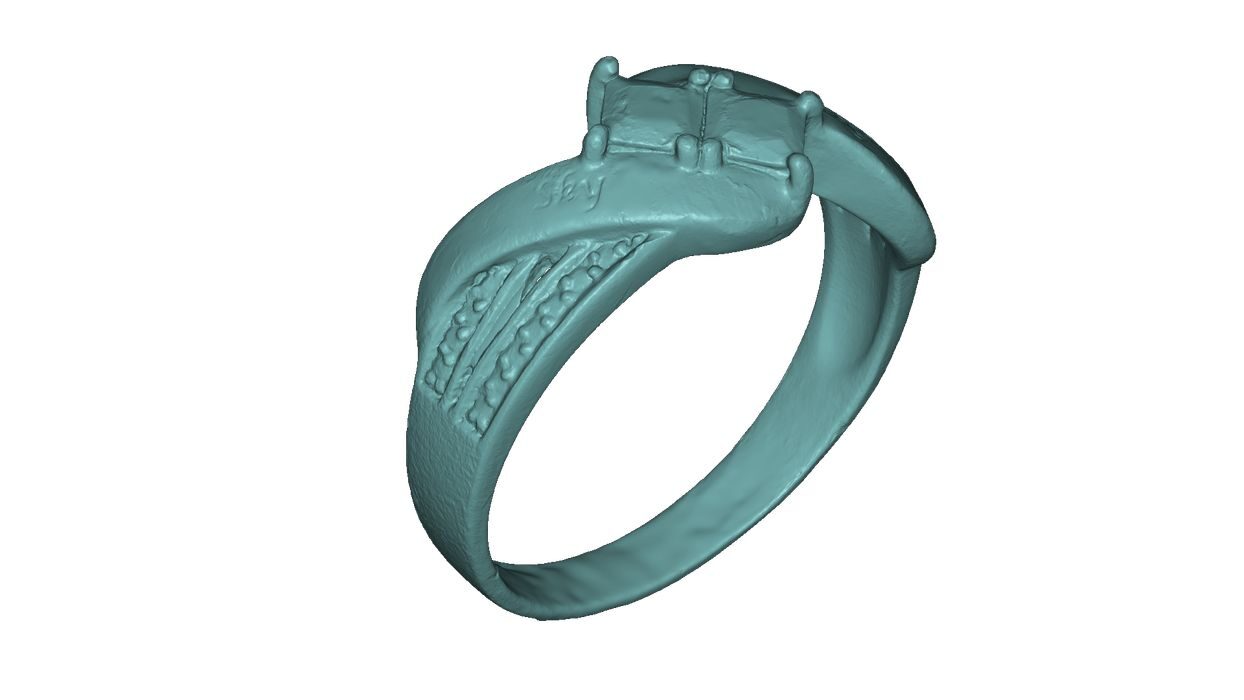
Artec 3D said that only “very few photos” are required to prepare a 3D model. That’s significant because in the past photogrammetry typically required 150+ images to have a hope of getting a reasonable 3D model. It seems that Artec 3D’s new AI algorithms are used to help develop the 3D models, reducing the need for massive numbers of images. That should also speed up processing time.
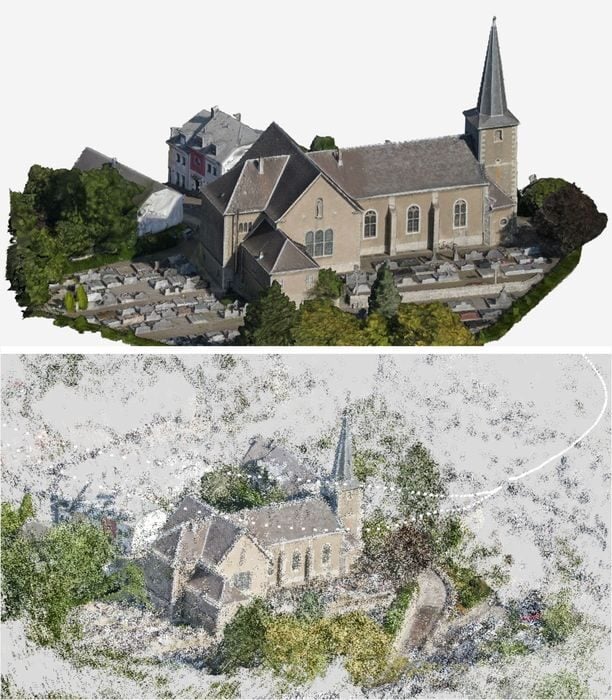
Artec Studio Lite has quite a few very interesting features:
- Multi-camera support – Combine photos and videos from different devices, including drones, in a single click.
- Sharp image prioritization – Automatically selects the sharpest images for texturing, ideal for CGI and e-commerce.
- No-masking algorithms – Capture objects on turntables or flip them during shooting, with artifact-free results.
- Automated workflows – Predefined settings allow one-click model generation.
- Built-in scale bars – Deliver sub-millimeter accuracy for real-world measurements and CAD deviation analysis.
And of course, it also includes the ability to edit the resulting 3D models. Often scans and photogrammetry work results in capturing the floor or table, which must be cut off.
Artec 3D is providing Artec Studio Lite with a range of purchase and subscription options for the new tool, and I suspect it may rapidly become one of the more popular options for those preparing 3D scans.
Via Artec 3D
